Appointment booking with AI, for when the phone rings while you're with someone
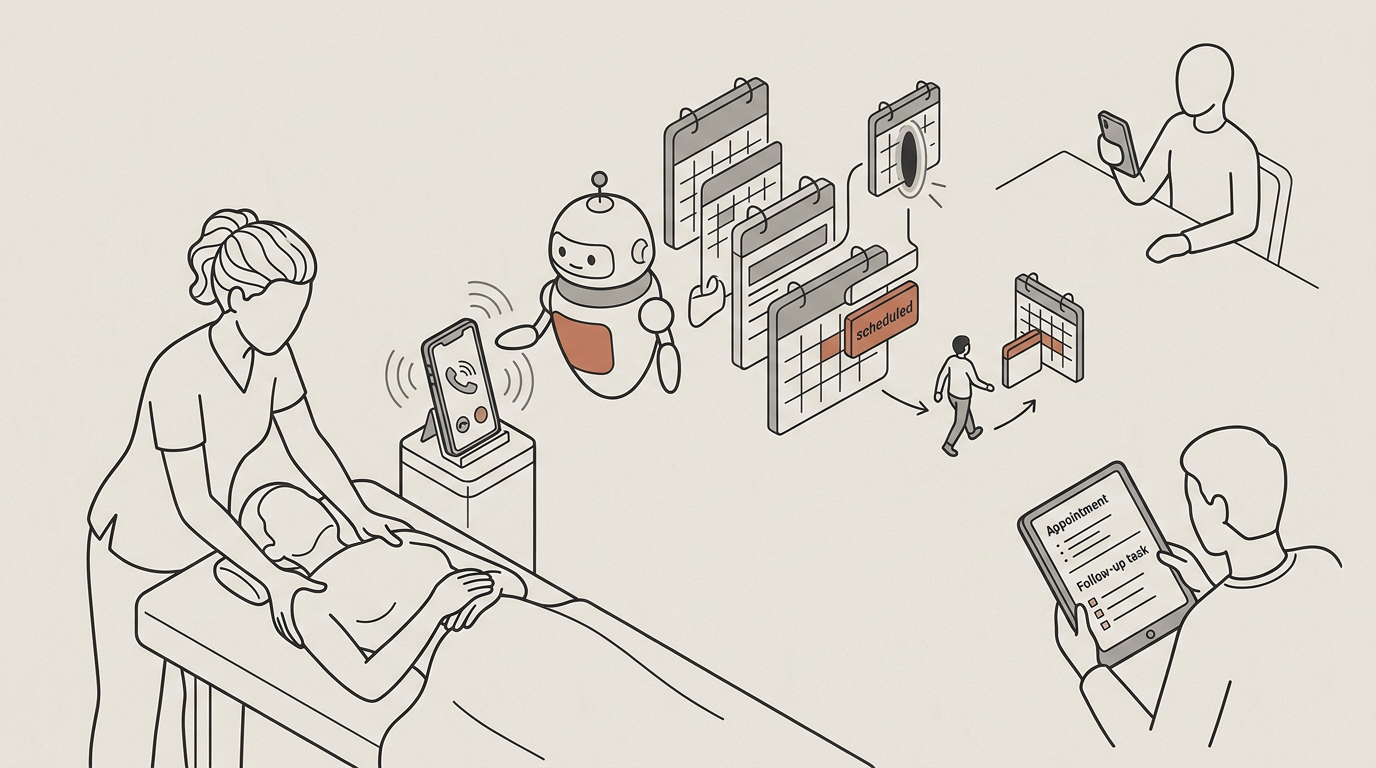
Every missed call is a booking that went to whoever answered. AI books and reschedules against your practitioners' real calendars by phone, widget and portal, sends confirmations and reminders and answers routine questions from your own policy. After a consultation, the summary and follow-up tasks are on the client's timeline before the next appointment starts. Anything clinical goes to a person, with the whole conversation.
Problems it solves
Five tasks that cost a practice its diary and its evenings
The front-desk and admin work that piles up during treatment hours, when nobody is free to do it.
Calls missed during treatment hours
the hours you are working are the hours people call. Booking and rescheduling happen by phone, and the phone is unattended.
Reminders sent by hand, and no-shows
Someone sends them when there is time, which is not always, and an appointment nobody reminded is more easily missed.
Intake forms on paper, retyped
Filled in on paper or a PDF, then typed into the practice system by the same person who runs everything else.
The same questions, all day
hours, prices, how to prepare, the cancellation policy. Easy questions that cost an interruption each.
The write-up nobody has time for
after a consultation the next client is already waiting, so the notes, the follow-up tasks and the summary get done in the evening, or not at all.
Booking that happens while you are working
On your portal, widget and phone line, against your practitioners' real calendars, with confirmations and reminders by email. A client asking at nine at night to move Thursday gets two slots and a confirmation, not a voicemail.
- Booking and rescheduling against real practitioner availability.
- Routine questions on hours, prices, preparation and cancellation answered from your own policy.
- Intake forms completed before the appointment rather than retyped after it.
- Anything clinical handed to a person, with the whole conversation.
- Consultations and handovers recorded and summarised from your template, with follow-up tasks on the client's timeline.
It stays clear of anything clinical
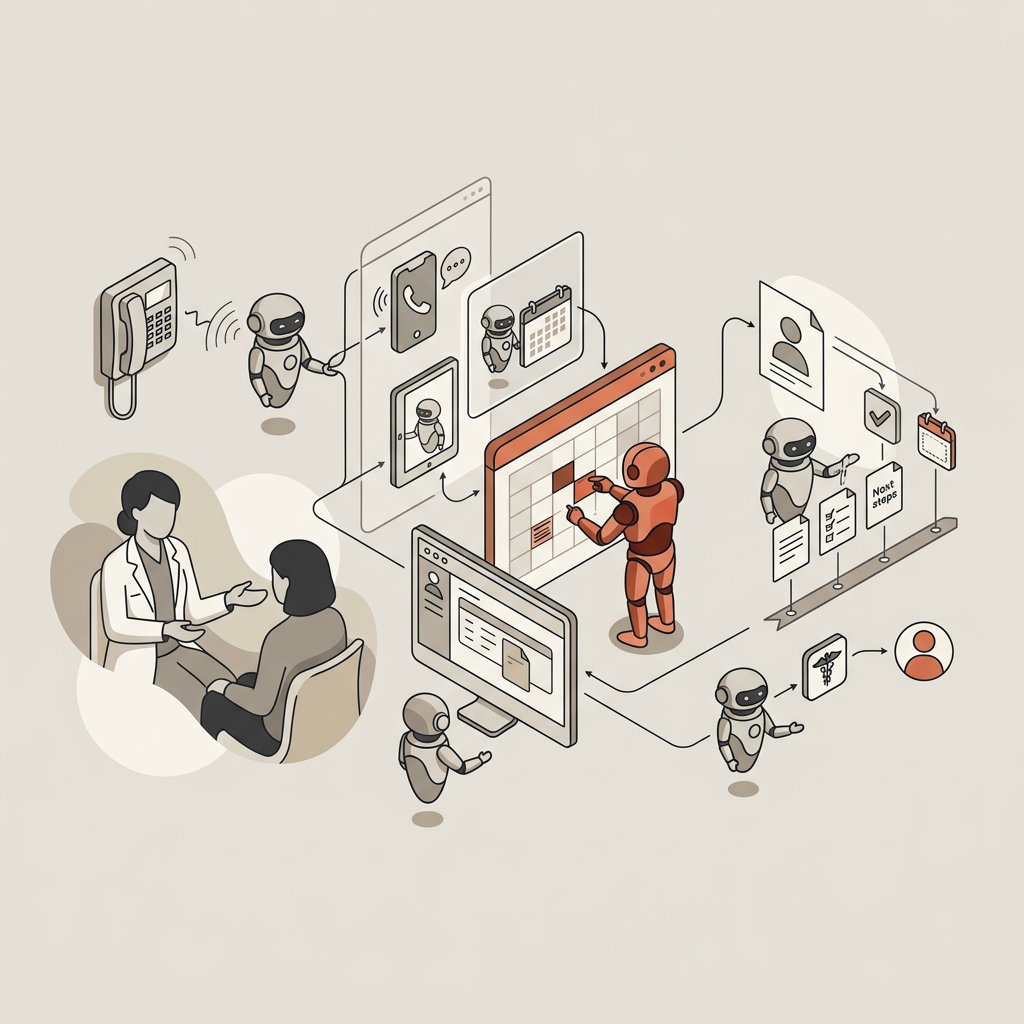
This is deliberate. Asked something that needs a clinician's judgement, the agent says so and hands the conversation to your team, with the whole history, so the person picking it up isn't starting cold.
A boundary, not a missing feature
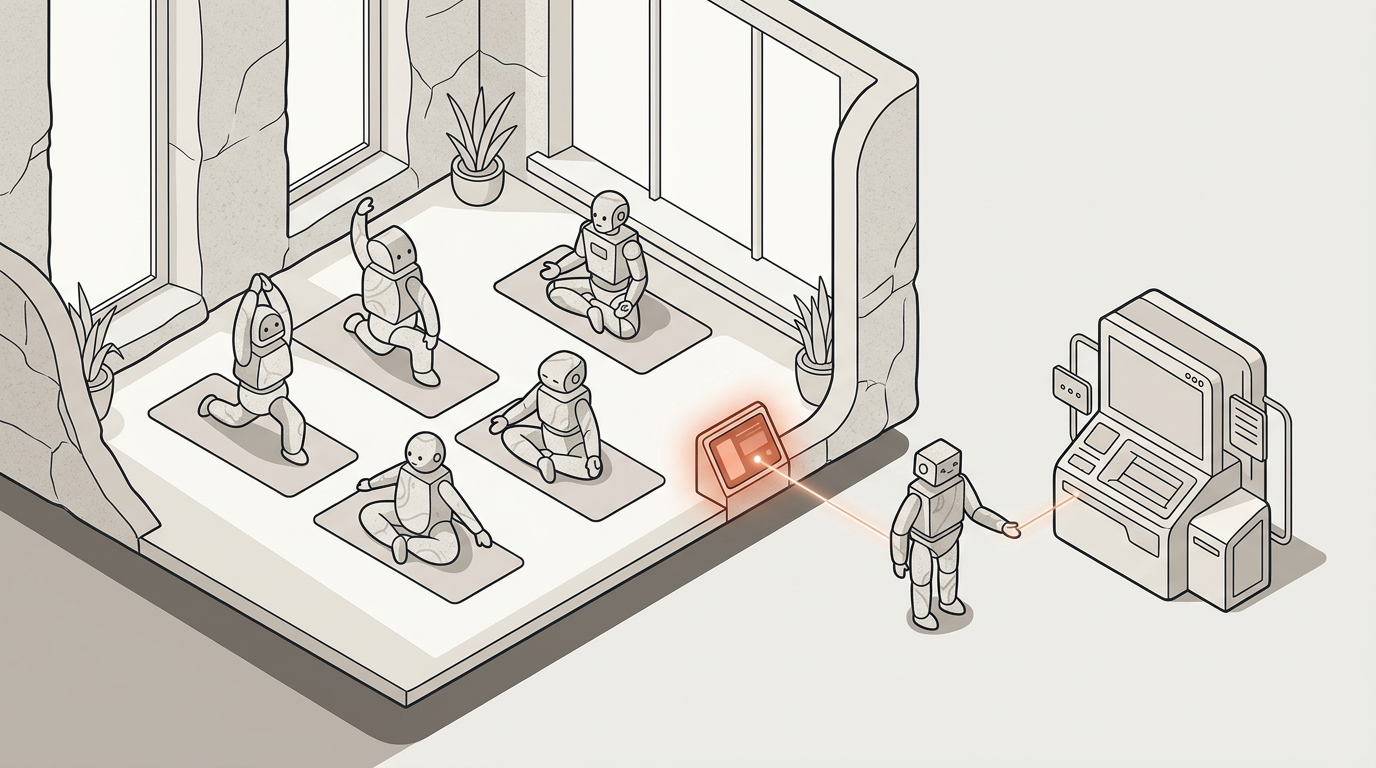
That boundary is the reason the rest is safe to put in front of clients. The scope is the front desk, not the treatment room, and we don't imply a standing in healthcare that we don't have.
After the booking
The conversations around the treatment write themselves up
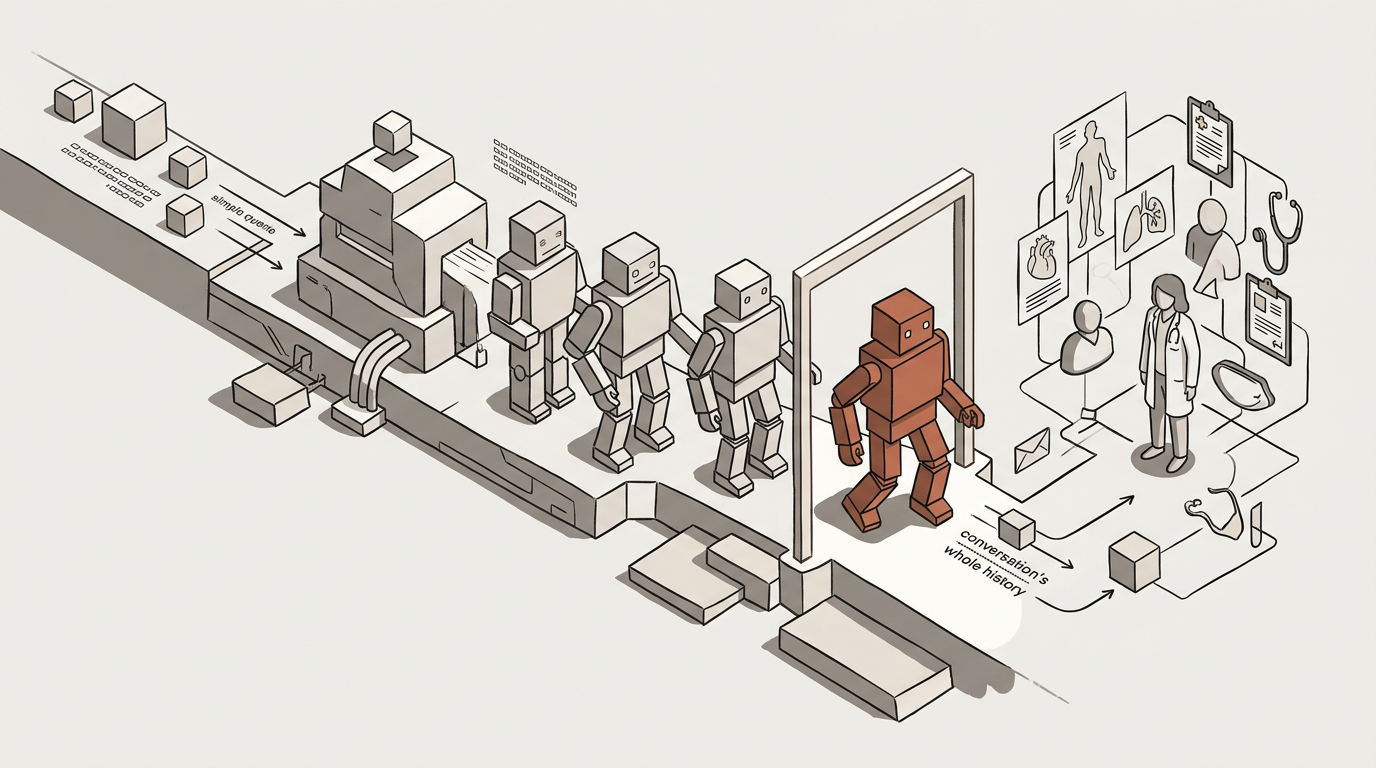
The hour after a consultation is the one that gets skipped, because the next client is already waiting. Record a welcome consultation, a conversation about packages and pricing or a team handover, and the transcript, a summary from your own template and the follow-up tasks are on the client's timeline before the next appointment starts. It's for the conversations around the treatment, in keeping with the boundary above.
A summary in your own format
It lands in the shape your team expects to read. Notes are versioned, so an edit made later never replaces what was written at the time.
Forms completed by the client, attached to the session
assigned to the client and completed by them, not left in an inbox to be retyped.
Tasks with an owner
Each follow-up has an assignee and a status, on a board your team can see.
Consent and custody with rules around them
Consent is the recorder's attestation against your own policy, stored on the transcript and never editable. Audio archiving follows your retention policy, and transcripts are encrypted under your practice's own key.
How we compare
Compared with a person on the phone, an answering service or a practice suite
For most practices the real alternative is a person answering the phone, so it's in the comparison.
| Feature | MosenAI | Practice suites with AI | Generic AI assistants | Answering services |
|---|---|---|---|---|
| Answers from your own policy, with the source cited | Inside its own records | Reads a script | ||
| Books against real practitioner availability | Takes a message | |||
| Available outside treatment hours | Self-service only | |||
| Cost does not rise with every interaction | ||||
| Keeps what it learned about your practice | ||||
| Hands anything clinical to a person | N/A | |||
| Writes up the consultation from your template, with consent recorded |
What it uses
The parts of the platform a health or wellness practice uses most
The phone line, widget and portal where people try to reach you, real calendar availability with confirmations and reminders, your hours, prices and policies as a source, meeting transcription for the write-up with consent recorded on the transcript, and a hand-off to your team that is the point of the design, not a fallback.
Interfaces
The phone line, the widget and the portal — the three places people try to reach you.
Read moreKnowledge bases
Your hours, prices, preparation notes and cancellation policy, answered from with the source.
Read moreThe AI assistant
The assistant, and the hand-off that is the point rather than the fallback.
Read moreMeeting transcription
Transcript, summary from your template, tasks and consent, on the client's timeline.
Read moreQuestions
What health and wellness practices ask first
Count last week’s missed calls
That number is the whole business case, and you already have it. Bring the consultation you never got round to writing up, too.