AI document processing automation that files, posts and reports for you
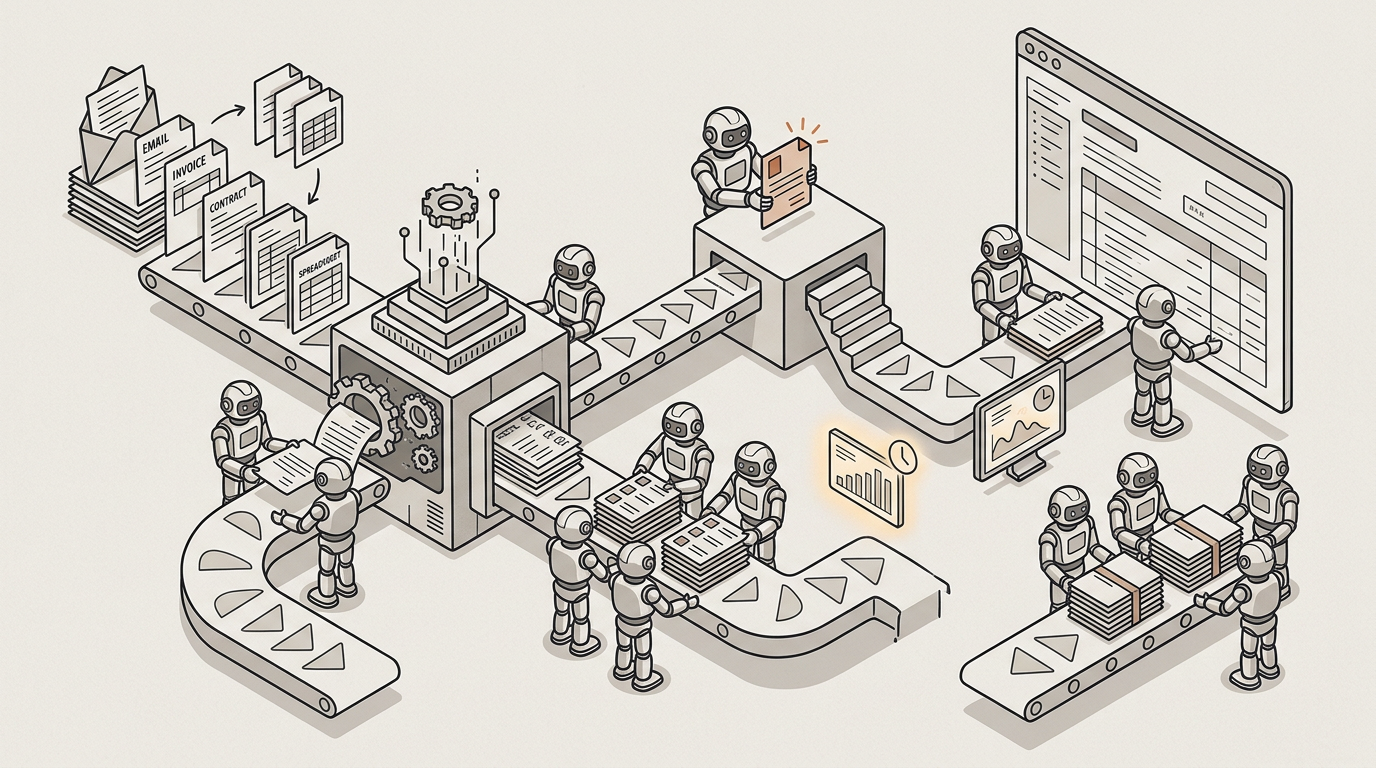
Invoices, contracts and spreadsheets arrive by email. AI reads each one, extracts what matters, sends anything uncertain to a person to check, posts the entries to your accounting system and writes the month-end report.
How we help
From inbox to ledger, with a person checking only what's uncertain
AI captures every document as it arrives, extracts the data in the format your accounting system expects and sends anything doubtful to a reviewer, with the source page beside the proposed values. Entries are posted once, exactly once, and the month-end report is written from your own template.
Work that arrives in the wrong shape
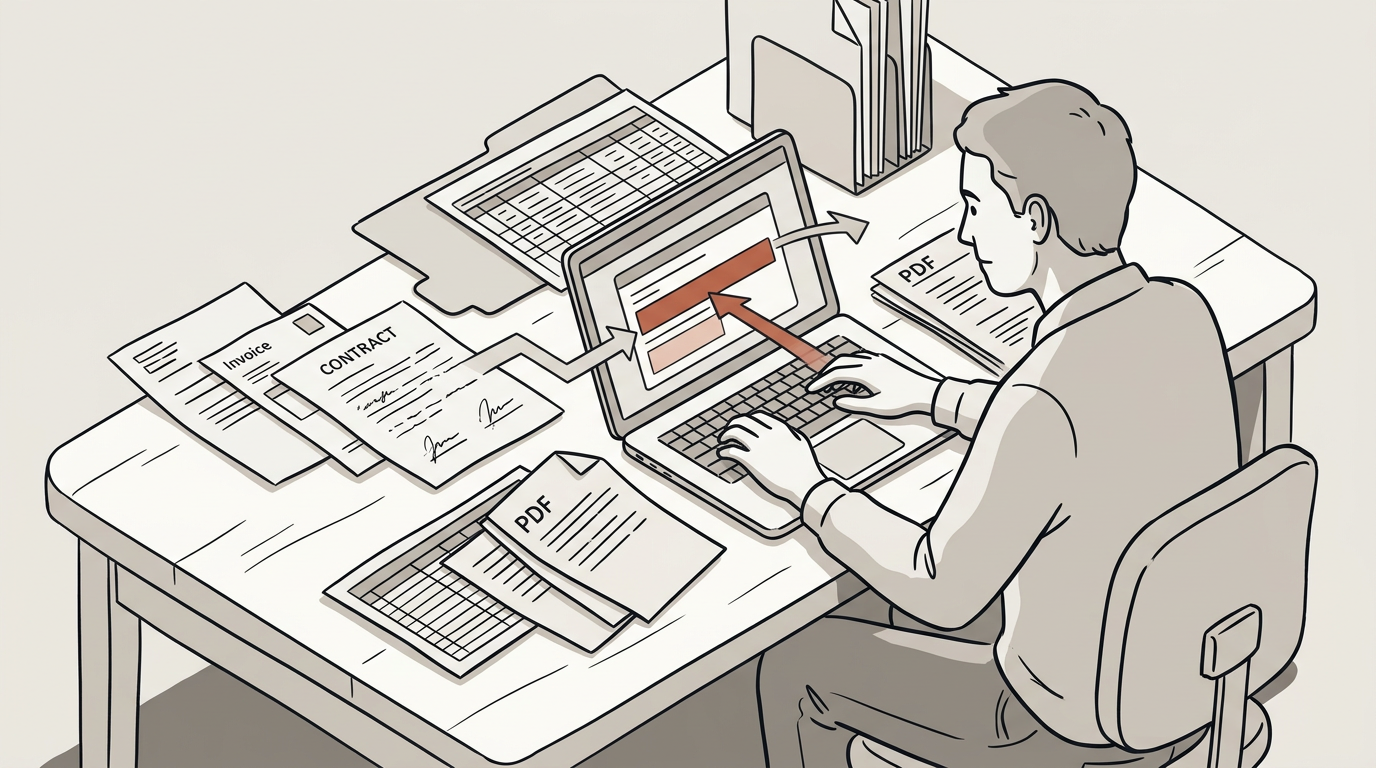
The work arrives as files. An invoice attached to an email, a scanned contract, a client’s spreadsheet, a PDF pulled out of a portal. None of it arrives in the shape the next system needs, so somebody opens each one, reads it, and retypes what matters somewhere else.
Attention work that looks like typing
It is the most repetitive hour in a professional firm and the one most prone to error, because it is attention work that looks like typing. And it scales with client count rather than with fee income, which is why it is the first thing that breaks in a busy quarter.
How it works
From inbox to ledger, step by step
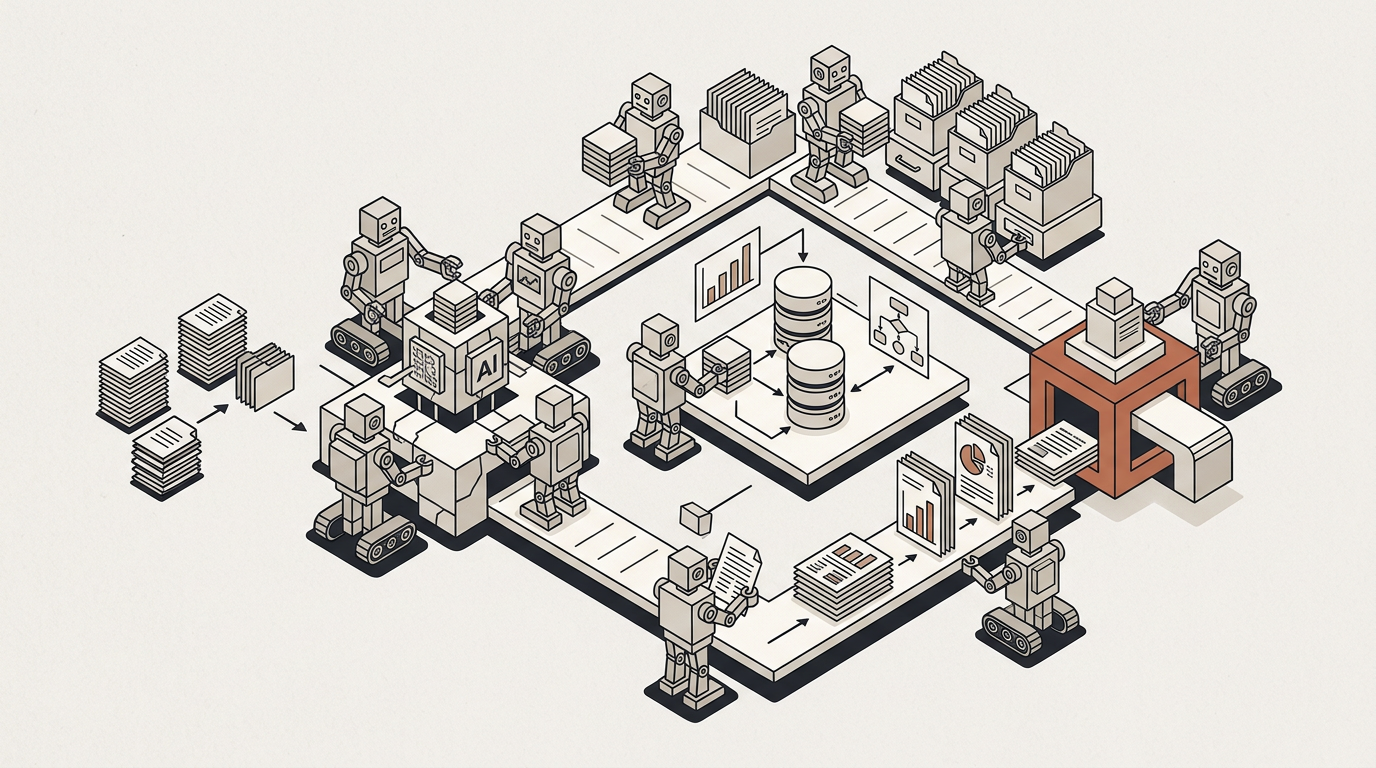
A month of client invoices, followed from the moment they arrive to the report at month end.
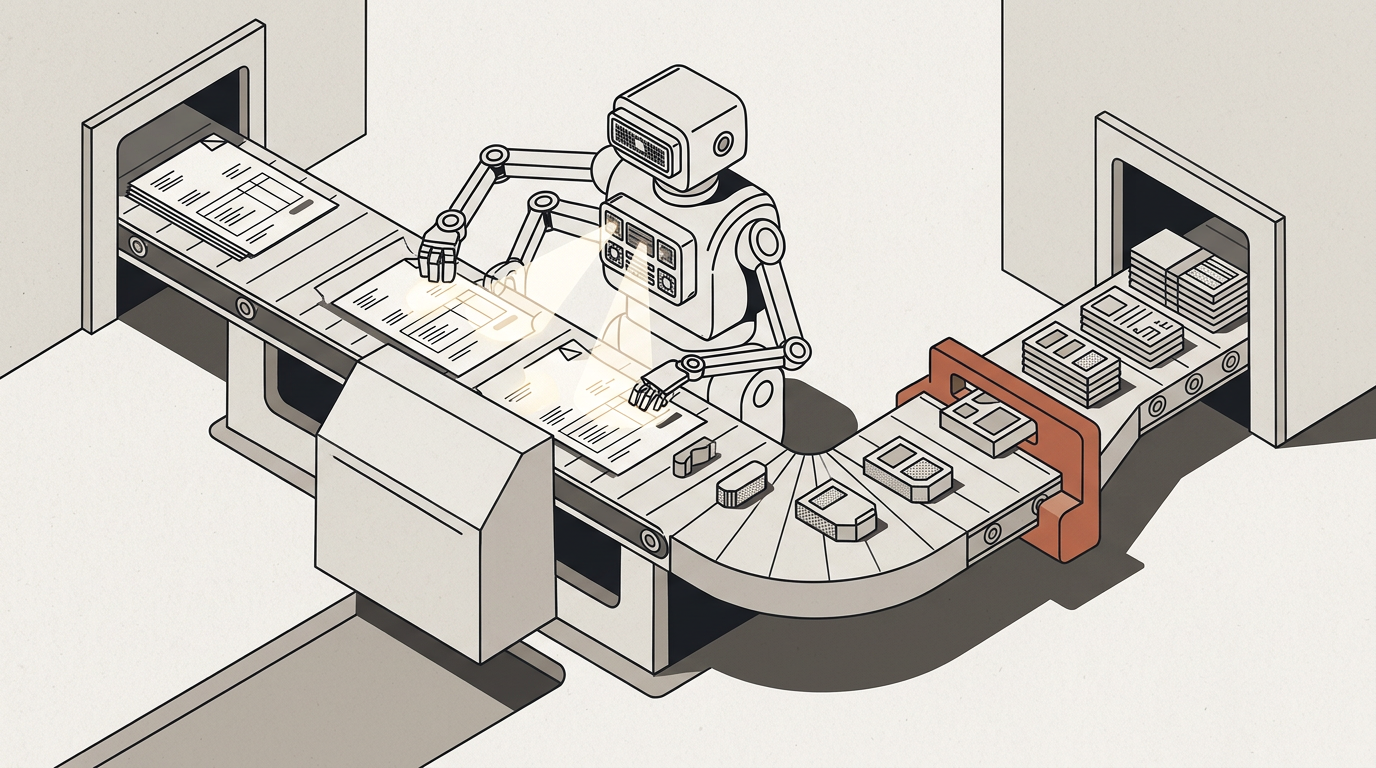
The documents arrive
A client emails their month’s invoices to an address that belongs to the automation. Attachments are captured — up to five hundred documents in one message, archives expanded — and filed into that client’s own private source.
What matters is extracted
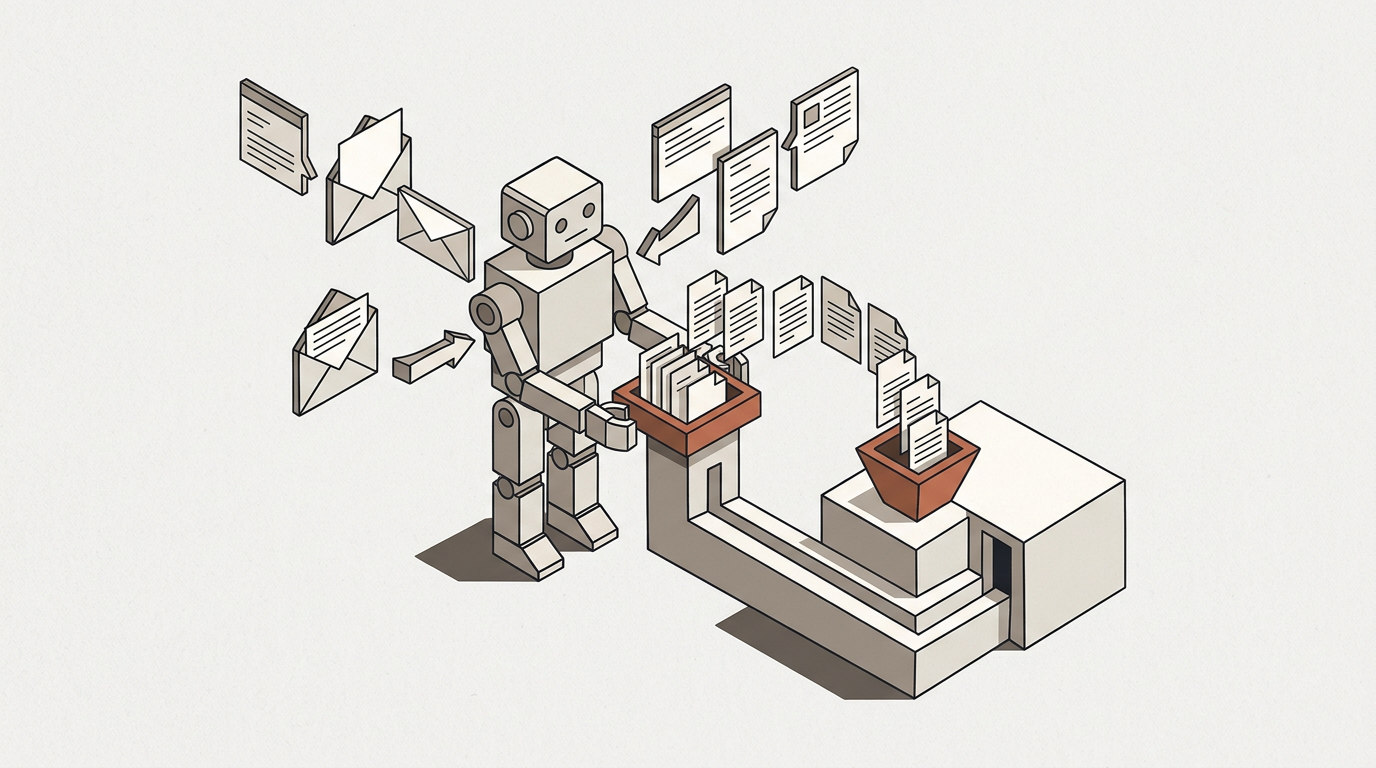
Supplier, date, amount, tax — read out of each document and transformed into the shape your ledger expects, rather than into a generic export somebody has to reshape afterwards.
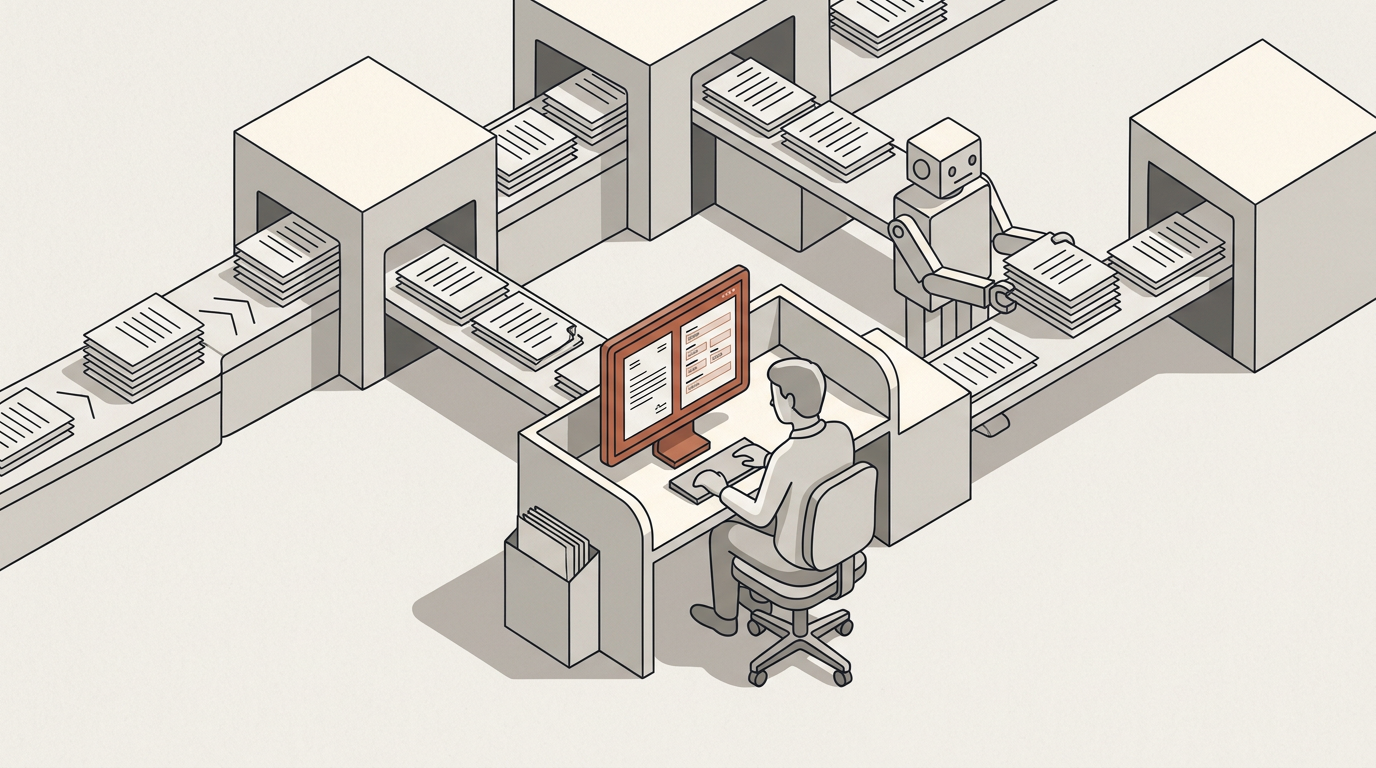
A person checks what is uncertain
Anything the extraction is unsure about goes to a reviewer with the source page beside the proposed values. They approve or correct. The rest does not wait for them.
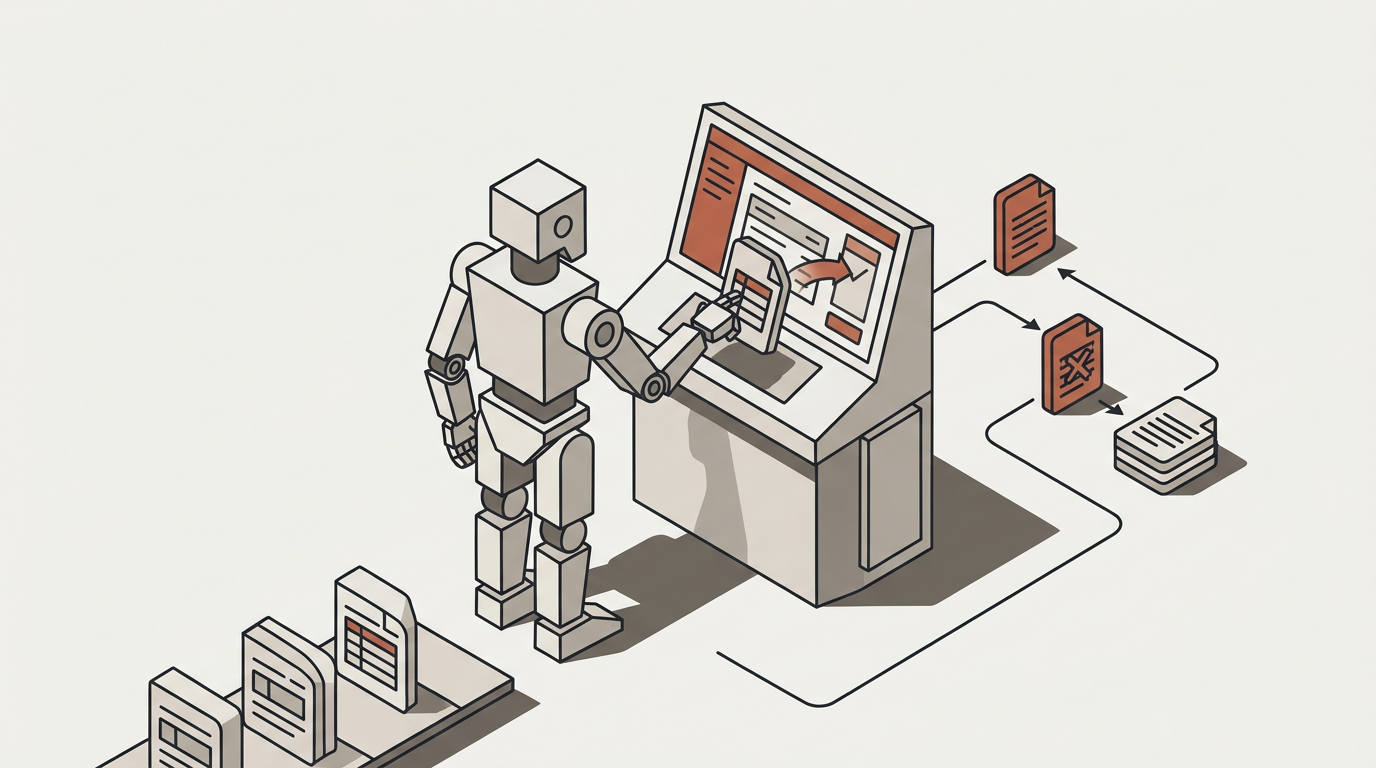
The entries are posted
Into the accounting system you already run — once, and exactly once, with a retry returning the original outcome rather than posting a second time.
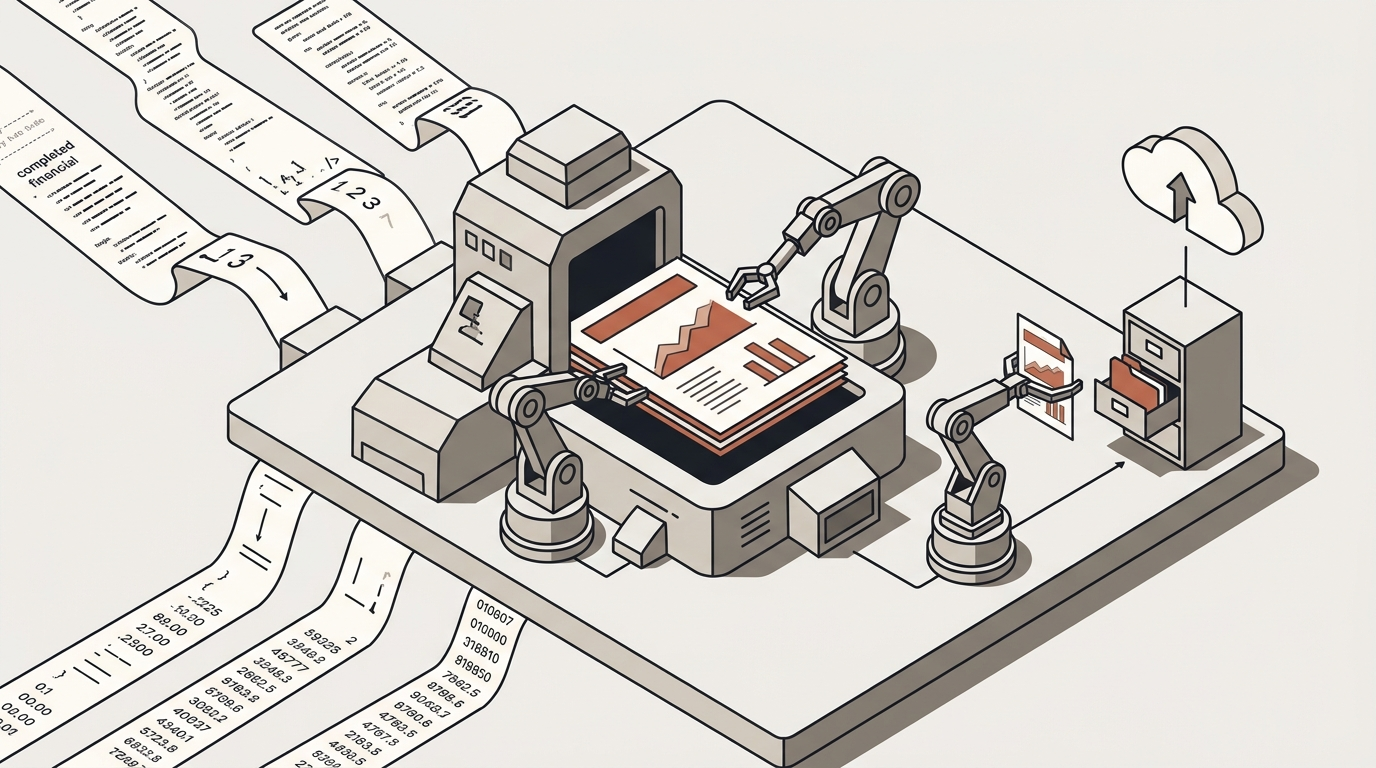
The report writes itself
At month end a second automation produces the client’s report from your own template, with the figures already in it, and files it in their folder and their portal.
What it draws on
The parts of the platform this uses
Each one is a page, if you want to know how it works rather than what it does for you.
The workflow builder
The email trigger, the loop over each document, and the review step — drawn on one canvas, changed without engineering.
Read moreKnowledge bases
Each client’s documents in their own private source, so one client’s files never surface in another’s portal.
Read moreTools
Extraction, transformation, document and spreadsheet generation, and the write into your ledger — each logged.
Read moreIntegrations
The accounting system and the document storage you already run, connected with your own credentials.
Read moreWhat to watch
What a firm measures once this is running
We have no customer results to show you. These are the numbers worth having before and after, so the answer is yours rather than ours.
Documents processed per month
The volume actually going through, which is also the number that tells you whether adoption stuck.
Minutes per document, before and after
Measured on the same kind of document, by the same person. The before is the part firms usually skip.
Corrections per hundred documents
How often the reviewer has to change something. Rising is a signal; falling is the thing you were hoping for.
Reports out on time
The deadline that used to move. Whether it still moves is the clearest answer to whether this worked.
Questions
What people ask before automating documents
Send us a month of your worst paperwork
A demo on your own documents is a shorter conversation than any description of one.