Client records for AI agents: contacts, accounts and meetings in one place
The record, kept where the work happens. Not a CRM bolted on afterwards: the contacts an agent answers, the accounts they belong to, and the meetings and tasks that came out of it, in one place, because they are one thing.
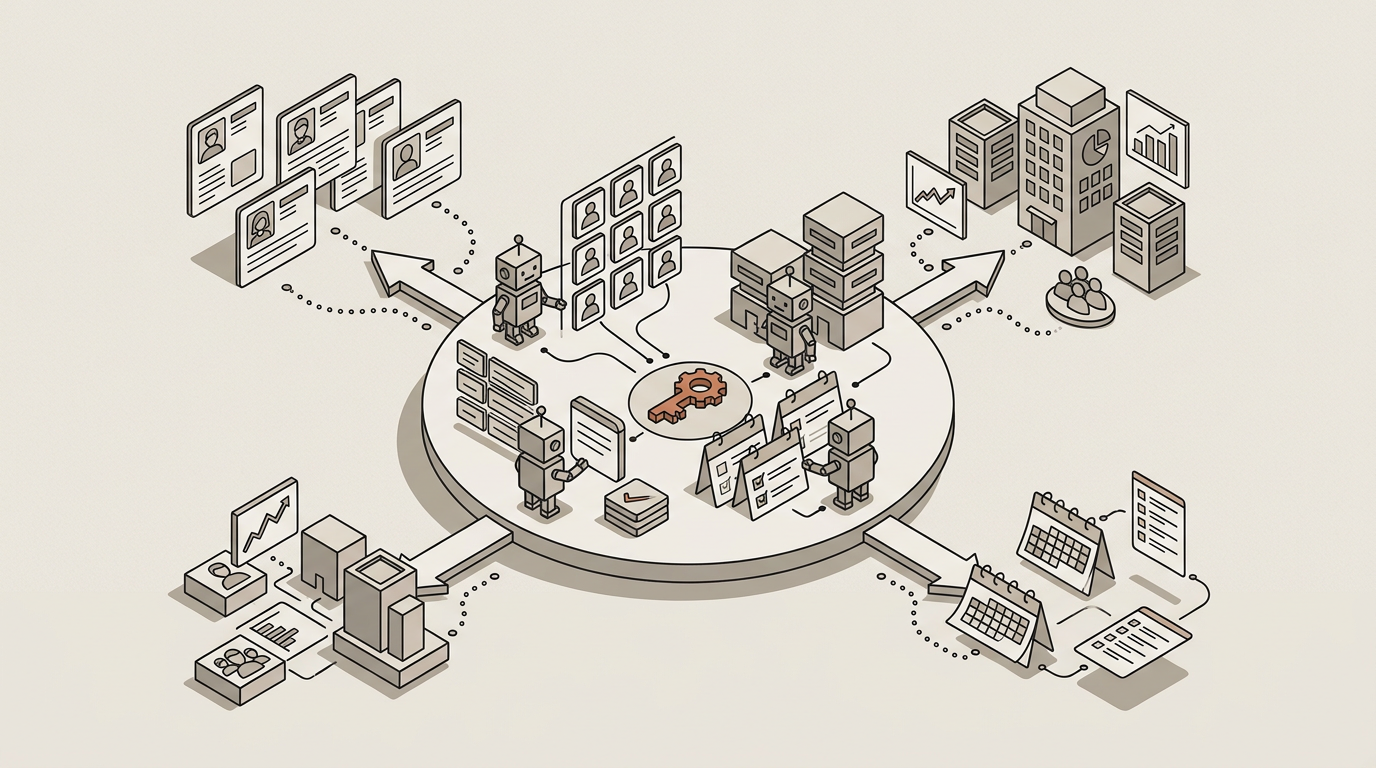
Contacts, and the companies they belong to
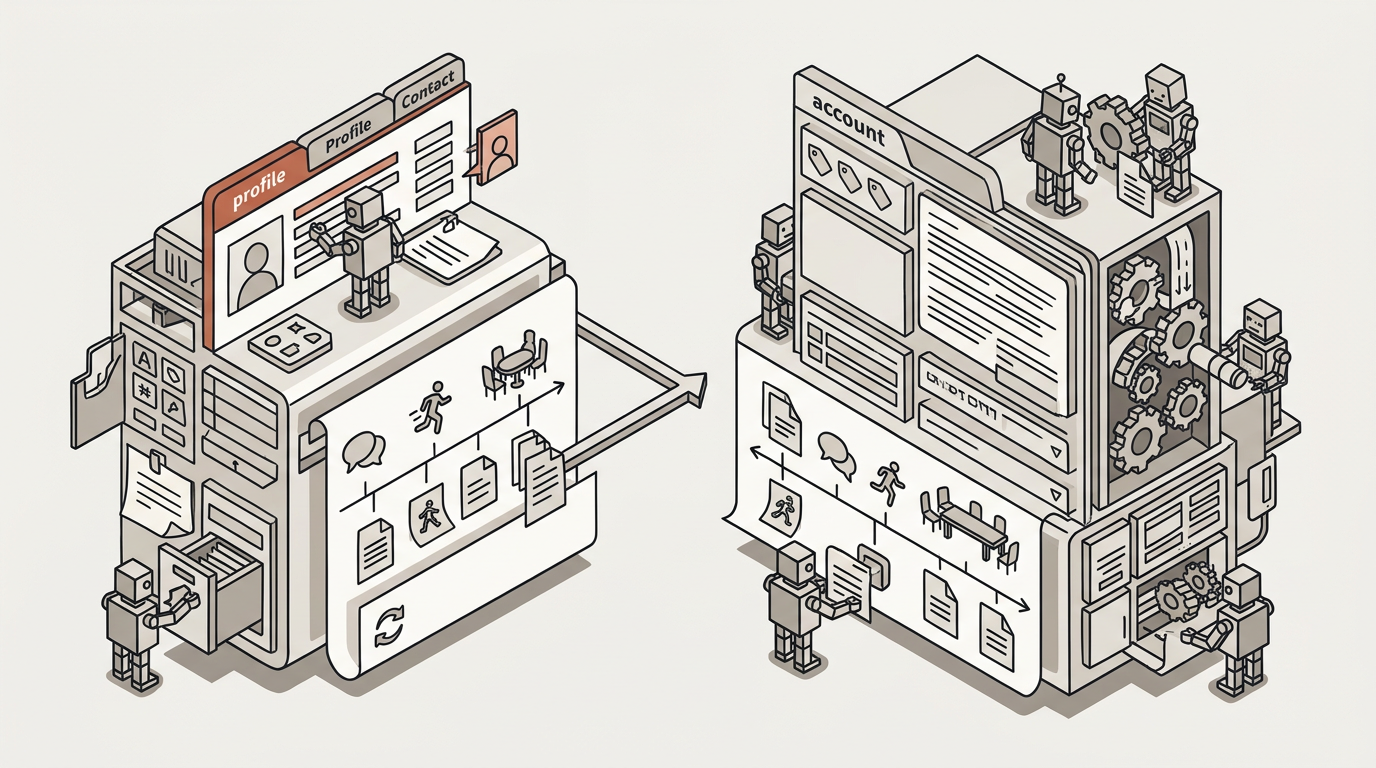
A contact is a person you serve: a client, a client's employee or a prospect who identified themselves. An account is the company they belong to. Both carry what you actually need: tags, notes, custom fields, archiving and reactivation, and a timeline showing every conversation, run, meeting, document and note attached to that person.
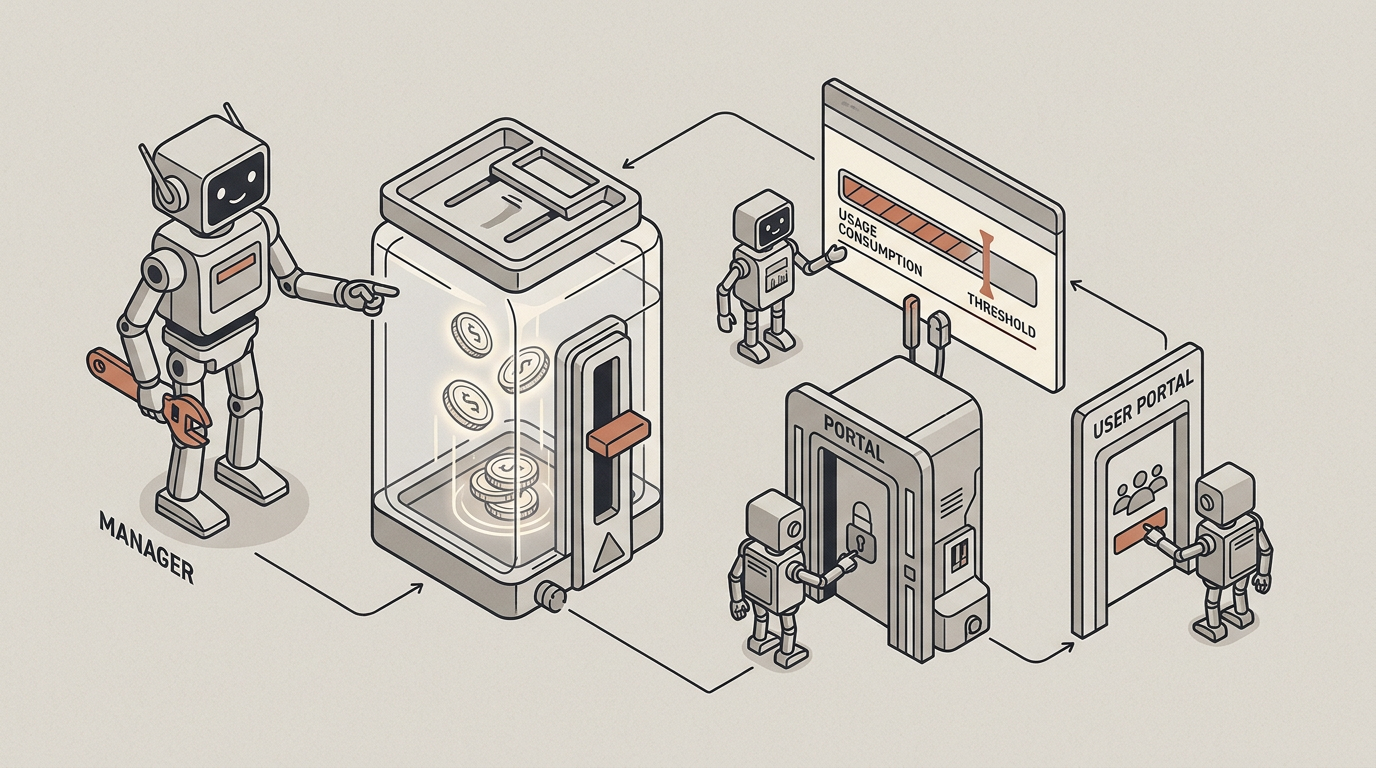
Someone in charge, and a budget that can be capped
An account names a person in charge on your side and administrators on the client's side, who manage their own members and groups from the portal without asking you. It also carries a budget: allocate an allowance per account, cap it, revoke it and watch what is being consumed, so you can pass usage through to a client or simply stop one that is running away.
What the record holds
Four things, and the links between them
The link is the point. A task belongs to a meeting, a meeting belongs to an account, and all of it shows on one person's timeline.
Contacts
Created one by one, in bulk or by inviting them to your portal. Groups and broadcasts reach several at once over the channels they actually use.
Accounts
The company a contact belongs to, with a service tier, a person in charge on your side and administrators on theirs who manage their own people.
Meetings
A meeting with a client, recorded into a transcript with speaker labels and summarised from your template, with notes, forms and attachments. It records who attended and which account it was with.
Tasks
What the meeting produced, with assignees and status, visible to your team and, where you choose, to the client on the portal.
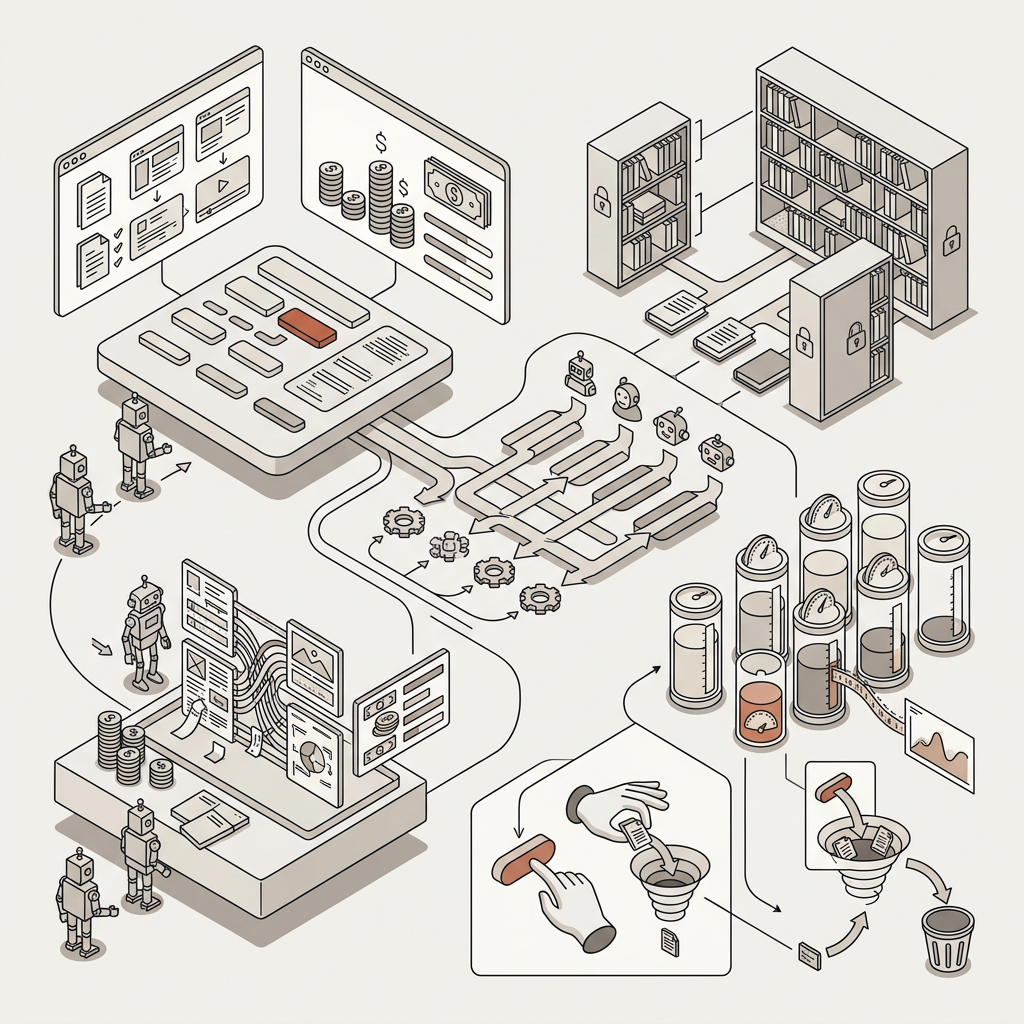
You decide what each client can reach, and what it costs
If you serve many clients from one platform, you need two answers before you put any of them in front of it: what can this client see, and what can this client spend. Both are settings on the account, not promises in a policy.
- Which agents and automations each contact or account may use, decided per client experience.
- Which knowledge is shared with everyone and which is private to one account.
- An allowance per account: allocate it, cap it, revoke it, and watch consumption per account and per contact.
- Export or permanent deletion of a contact's data on request.
What you use it for
Start with the client nobody can reconstruct
Client service & accounts
A named client asking where their own account stands, and waiting for a person to look.
Read moreBring your messiest account
The one with several contacts, a history nobody can reconstruct and a budget somebody is guessing at.