Client portal with AI, where each account answers for itself
Each client gets their own branded space with their documents, deadlines, pending approvals and meeting summaries. Their AI assistant answers from their own account and your general material, never from another client's files, so status questions stop arriving by email.

Problems it solves
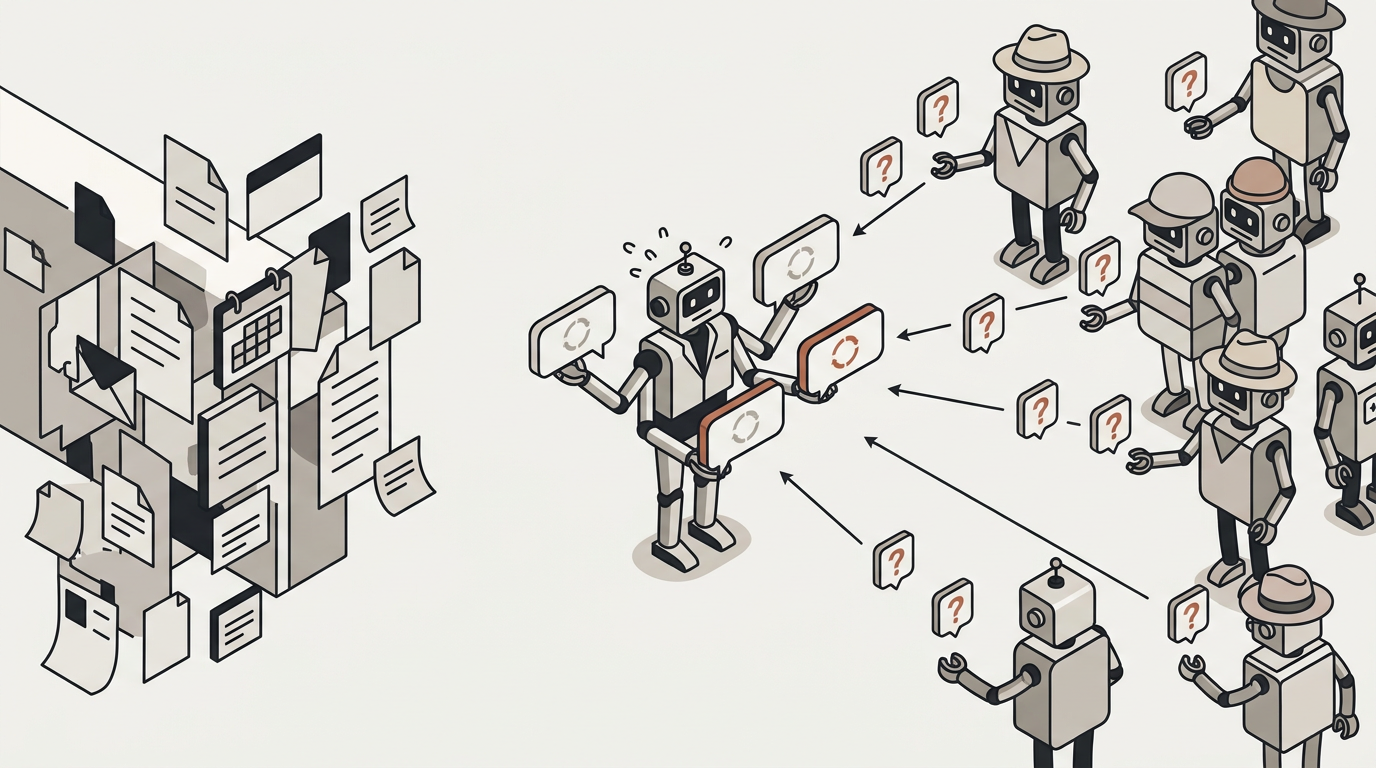
The same status question, asked again and again by the same clients
Your clients have nowhere to see their documents, their questions, the notes from the last meeting and what happens next. So they email, and you answer the same status question many times, in slightly different words each time. With many clients per adviser, it also gets hard to keep track of who was promised what.
The same status question, many times
A firm’s clients have nowhere to see their own documents, their questions, the notes from the last meeting and what happens next. So they email — and the firm answers the same status question many times, for the same people, in slightly different words each time.
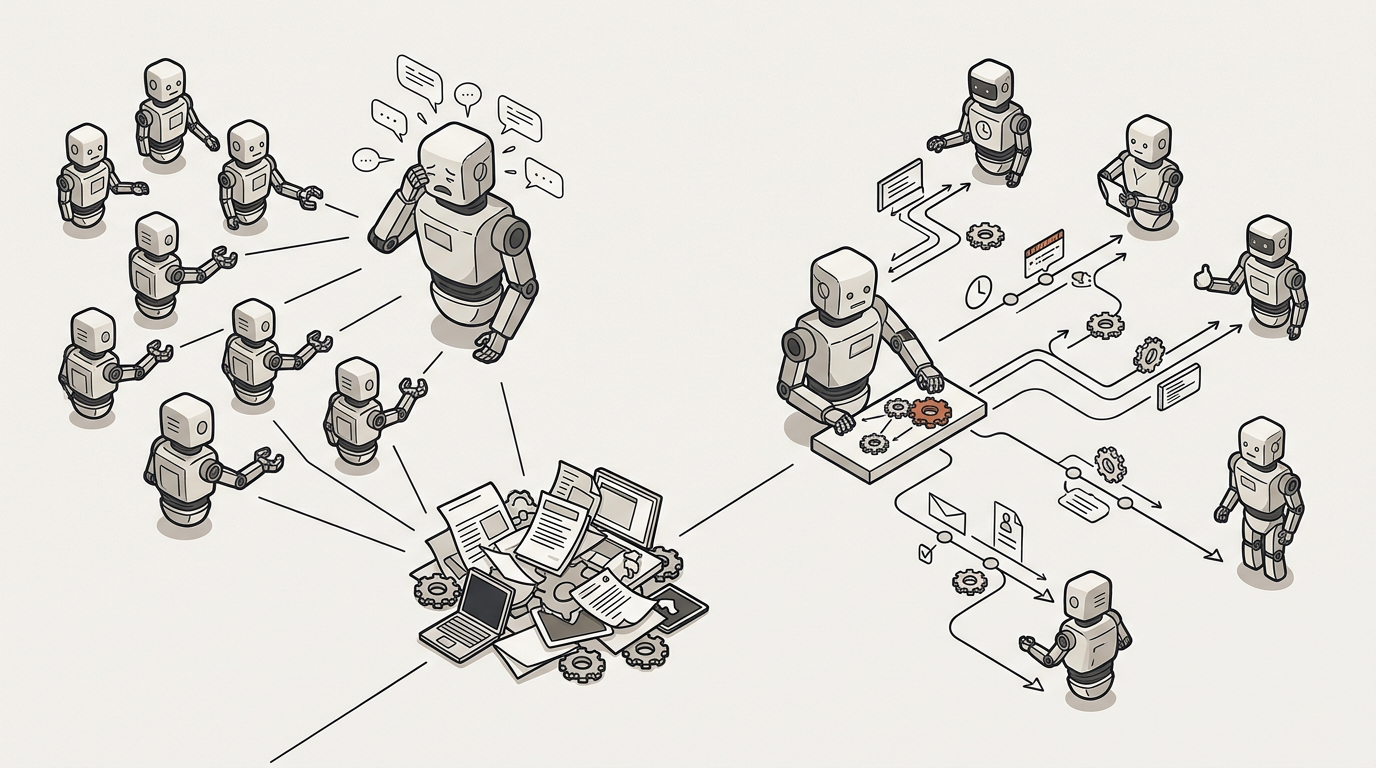
Who was promised what
Firms with many clients per adviser lose track of who was promised what. This is not support in the narrow sense — it is the ongoing relationship with a named client whose account someone manages, whose deadlines matter, and whose history changes the right answer.
How we help
A private space for every client, with an assistant that knows only their account
Each client signs in to a portal with your branding, on your own domain, and sees only what is theirs: the documents you produced, the reviews waiting for their approval and their notifications. They can ask their assistant, which answers from the knowledge shared with their account and your general material. After each meeting, the transcript, the summary from your template and the tasks it produced appear on their timeline. Their administrator adds colleagues and manages their side without asking you.
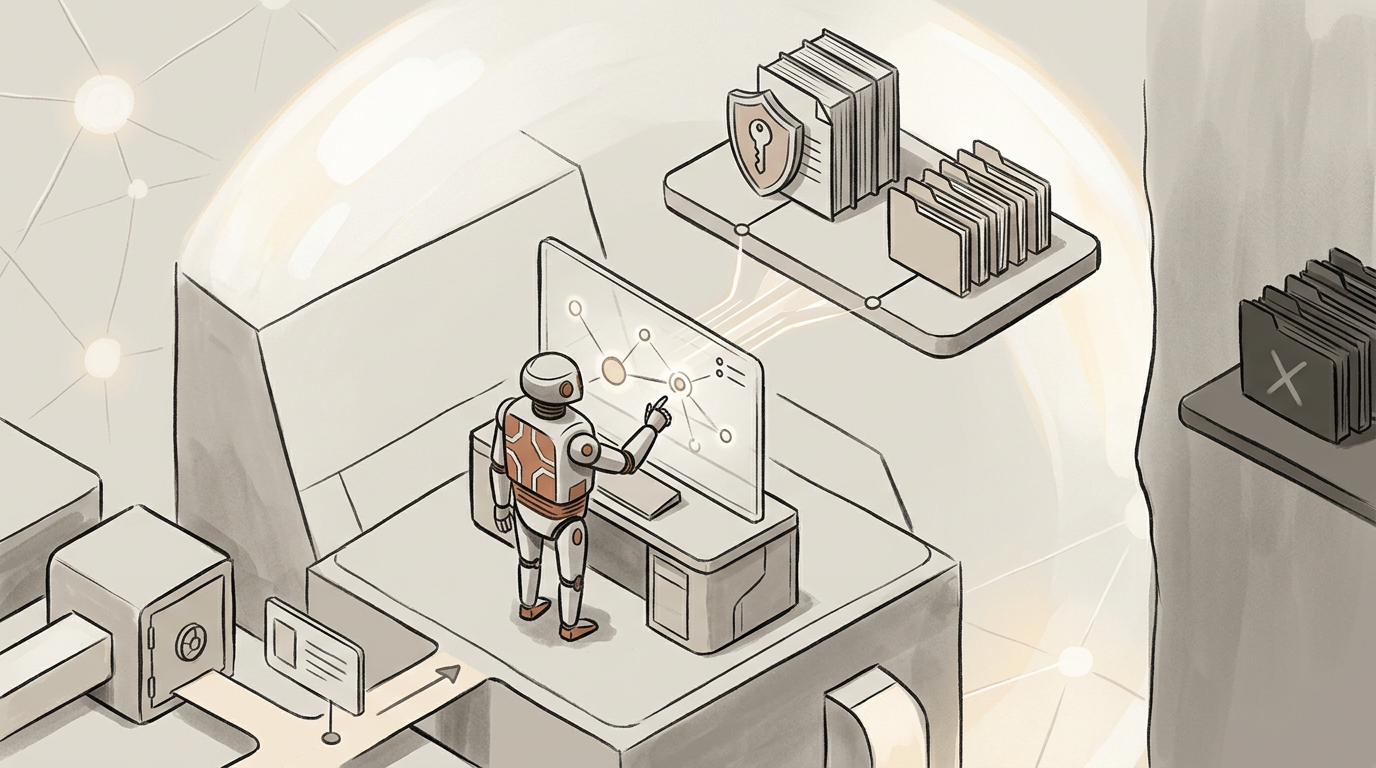
Each client gets their own place
Invite their finance contact to a portal carrying your branding, at your own subdomain or your own domain. They sign in and see their account, not a generic help centre.

They see what is theirs
The documents you produced for them, the automations they may run themselves, the reviews waiting on their approval, and their notifications. Nothing from another client, ever.

And they can just ask
Their assistant answers from the knowledge shared with their account plus your general material — never from another client’s files.
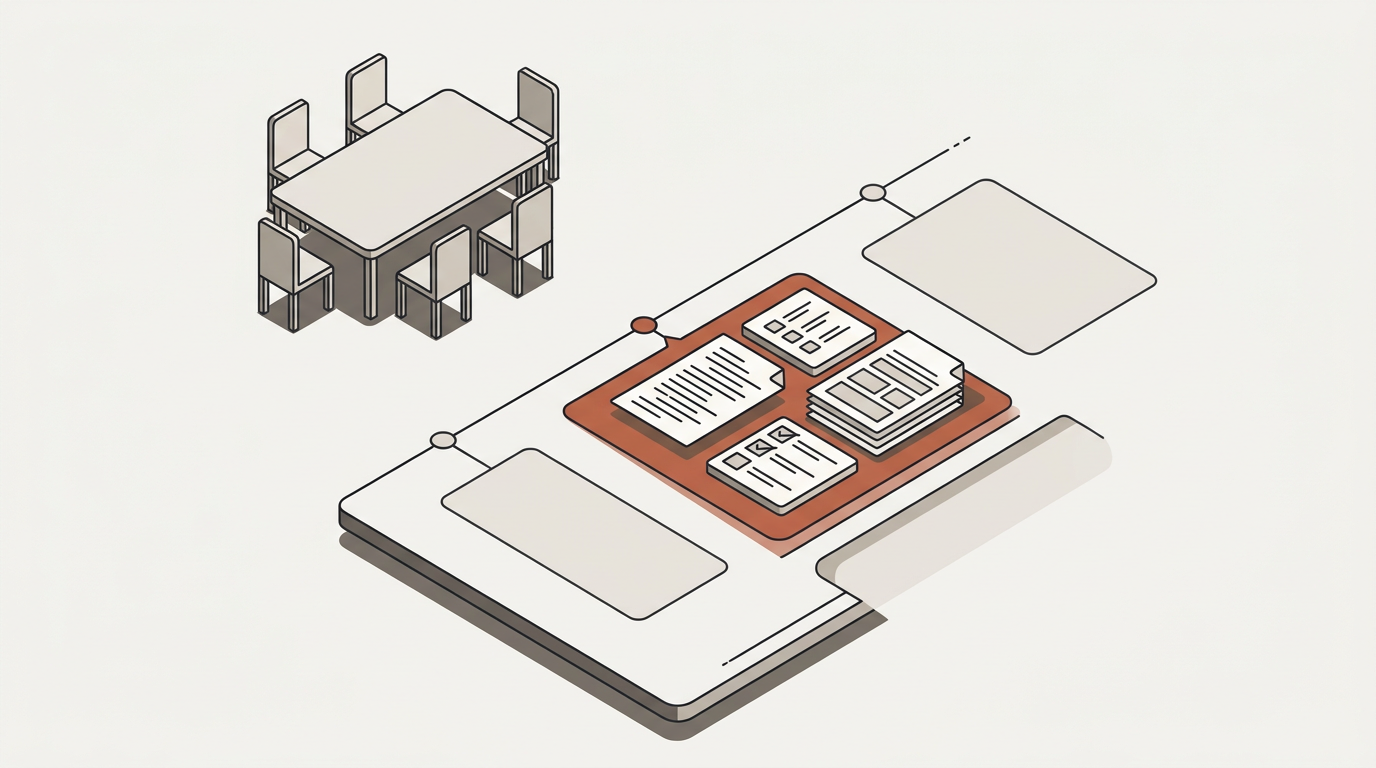
The meeting leaves a record
After each in-person session the transcript, the summary from your template and the tasks it produced appear on that client’s timeline.
And their administrator runs their side
They add their own colleagues, manage their groups and see their usage — without asking you to do it. Your person in charge sees every client’s timeline in one place.

What it draws on
The parts of the platform this uses
Contacts & accounts
Contacts, accounts, the person in charge, the timeline, and the spend allowance per account.
Read moreInterfaces
The portal with your branding, at your own domain — plus every other surface the same agent appears on.
Read moreKnowledge bases
A private source per account, which is what makes it safe to put an agent in front of a client at all.
Read moreMeeting transcription
The meeting that writes itself up, attached to the right client and the right account.
Read moreWhat to watch
What a firm measures once this is running
Status questions per client per month
The ones that used to arrive by email. The number this page exists to move.
Portal adoption
Contacts active per account. A portal nobody signs into has not reduced anything.
Documents delivered through it
Rather than as an attachment somebody has to find again in six months.
Meeting to shared summary
How long between a meeting ending and the client seeing what it produced. Usually the most visible change.
This is client service. Support is a different page.
Named and ongoing, with a history that changes the right answer — rather than anonymous and reactive.
| Feature | Customer support | Client service & accounts |
|---|---|---|
| Who is asking | Anyone — often anonymous | A named client with a file |
| Shape of the work | Reactive — a ticket | Ongoing — a relationship |
| How it ends | Resolved and closed | It does not — it continues |
| What the agent knows | Your public and internal material | That one client’s own documents |
| What you measure | Deflection and response time | Onboarding time and account continuity |
Looking for the anonymous, reactive kind?
A question that arrives, has an answer and is then finished — from someone whose account you may not manage — is support, and it has its own page.
Read moreOr how the record works
Contacts, the accounts they belong to, the meetings and the tasks those meetings produced — kept beside the agents that serve them.
Read moreBring your most demanding client
The one who emails most. Their portal is the one worth looking at on a demo.