Back-office automation with AI, even for the work behind a login
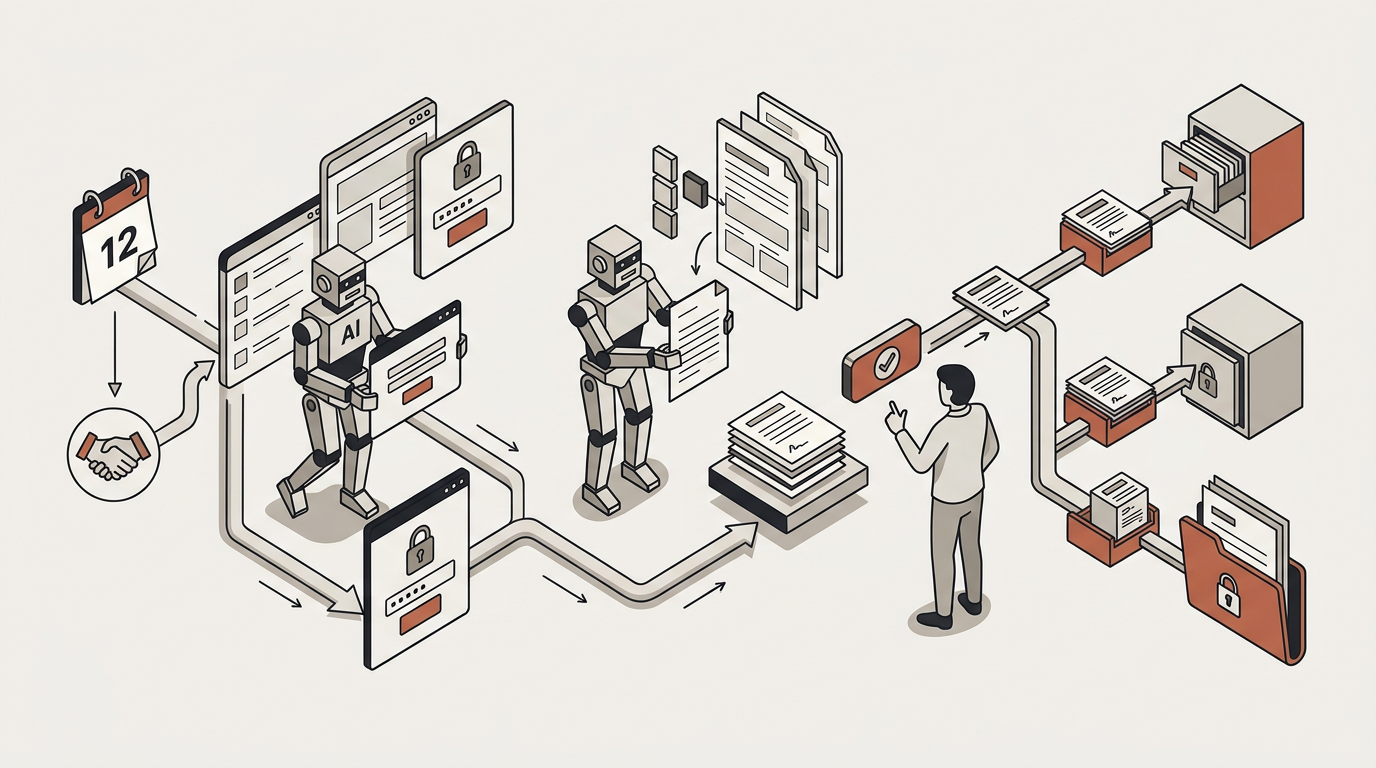
Renewals, closings, onboarding and filings start on a date or an event. AI gathers information, including from portals that only offer a login, drafts the output from your templates, waits for your approval when you decide, and keeps proof that it was done.
Problems it solves
Procedures that depend on someone remembering, or on a portal only a person can use
Renewals, closings, onboarding, reminders and hand-offs between systems run on a person remembering and a spreadsheet only one person maintains. The worst ones sit behind a portal login with no way in for machines, so they survive every other tool you buy.
Procedures that run on somebody’s memory
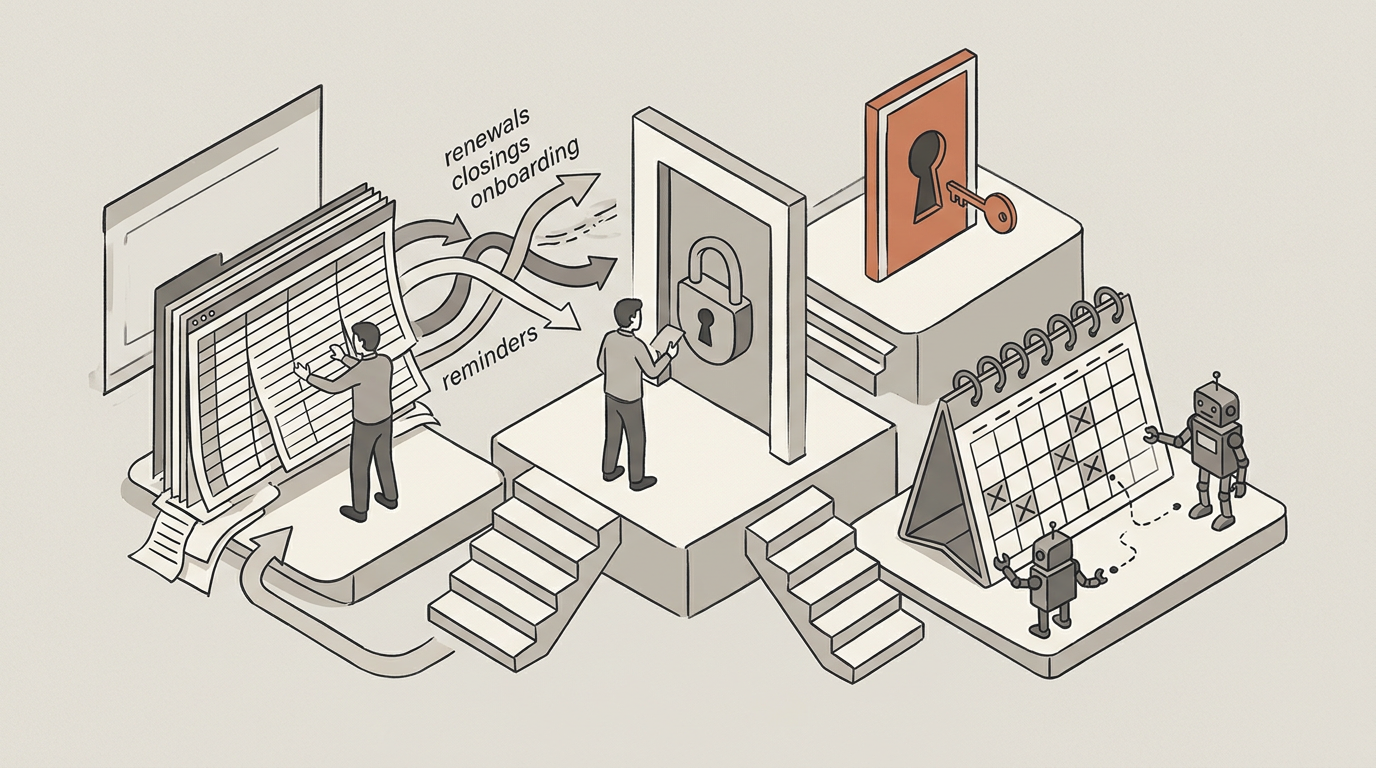
Renewals, closings, onboarding, reminders, the hand-off between one system and another — every firm has a dozen of them, and they run on a person remembering plus a spreadsheet that one person maintains.
The work behind a login
The worst of them live in a portal that has a login and nothing for machines. There is no interface to connect to, so the only way in is a person typing — which is why those procedures survive every other tool a firm buys.
How it works
A recurring filing, start to finish
One procedure, from the date that starts it to the confirmation kept as evidence, with a person approving before anything is sent.
Something starts it
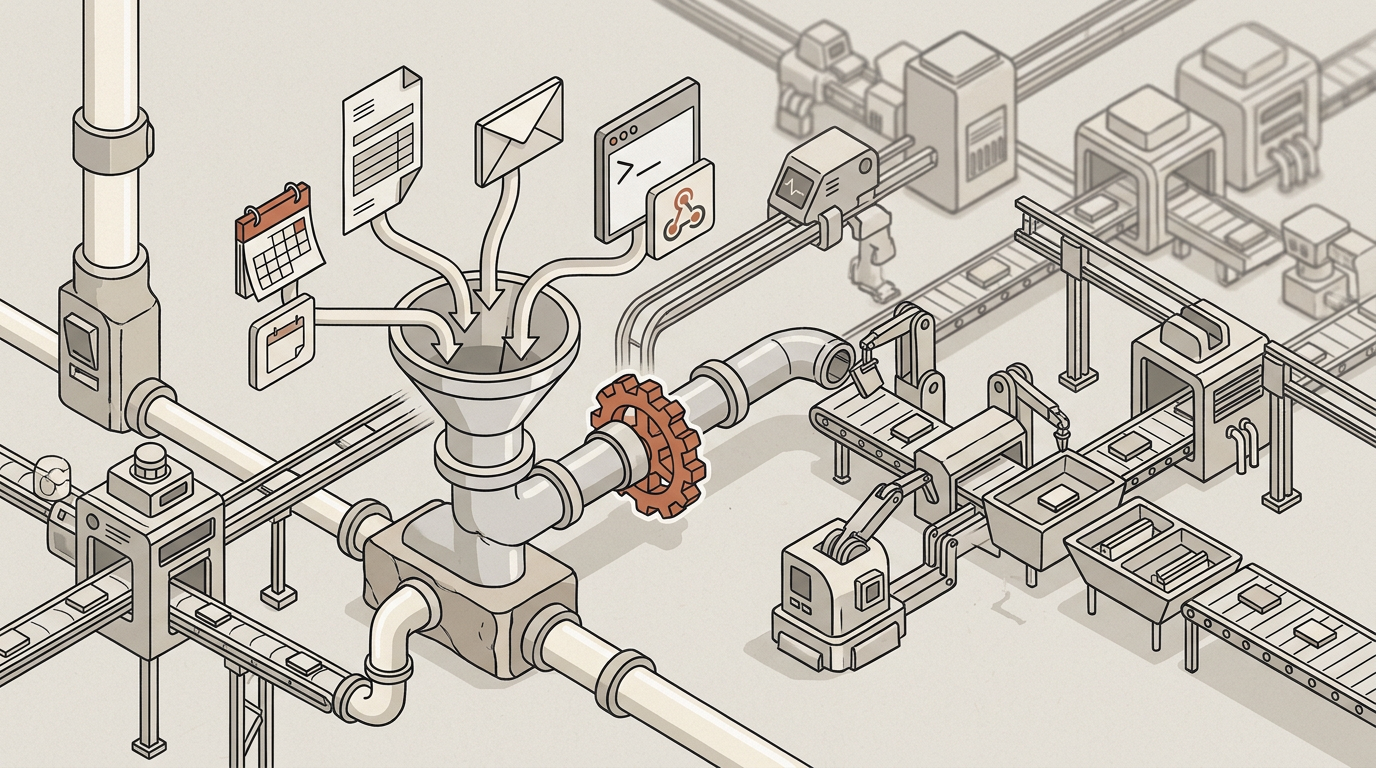
A date on a policy, a form somebody submitted, an email that arrived, a webhook from another system, or a schedule. Sixty days before a renewal, for every client on the list, once each.
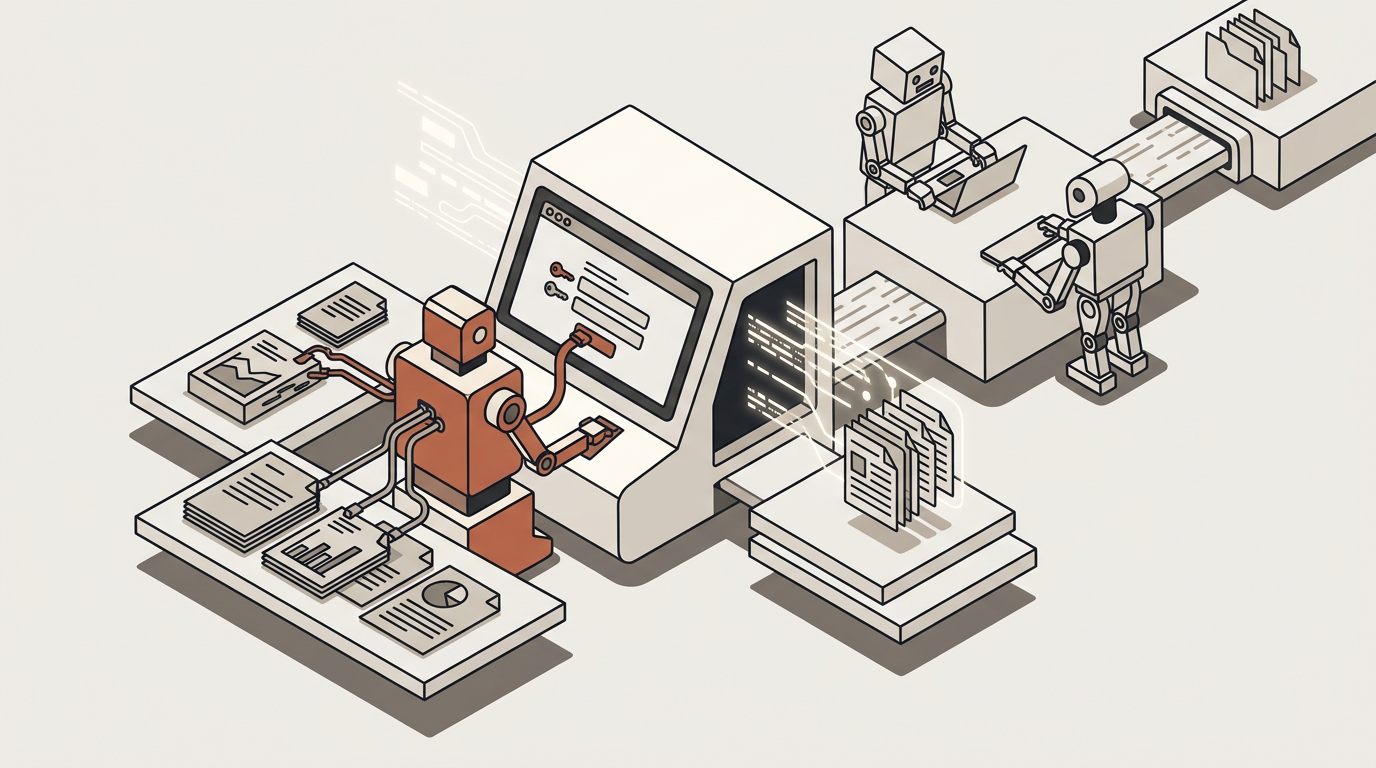
It gathers what it needs
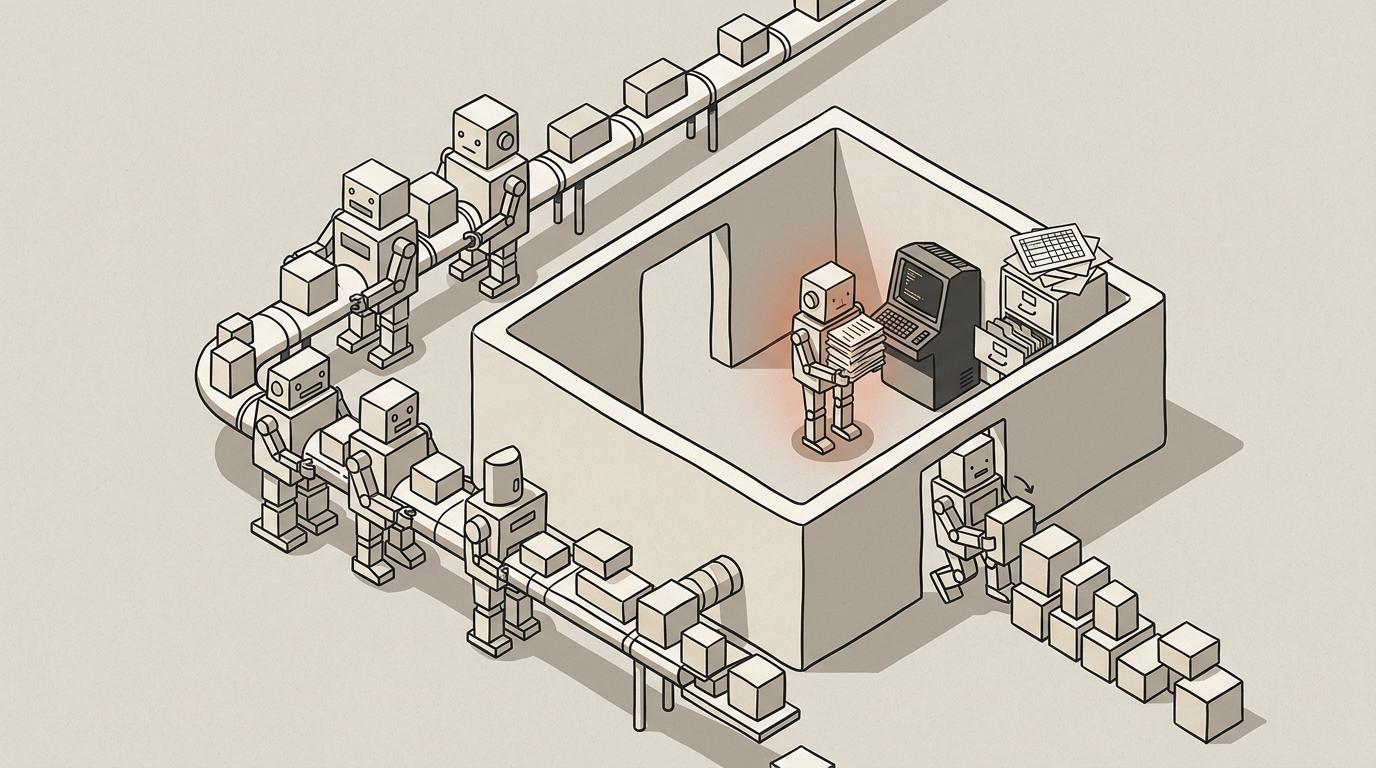
From your own records and knowledge, and where the information only exists behind a login, a browser session signs in with your credentials and reads it.
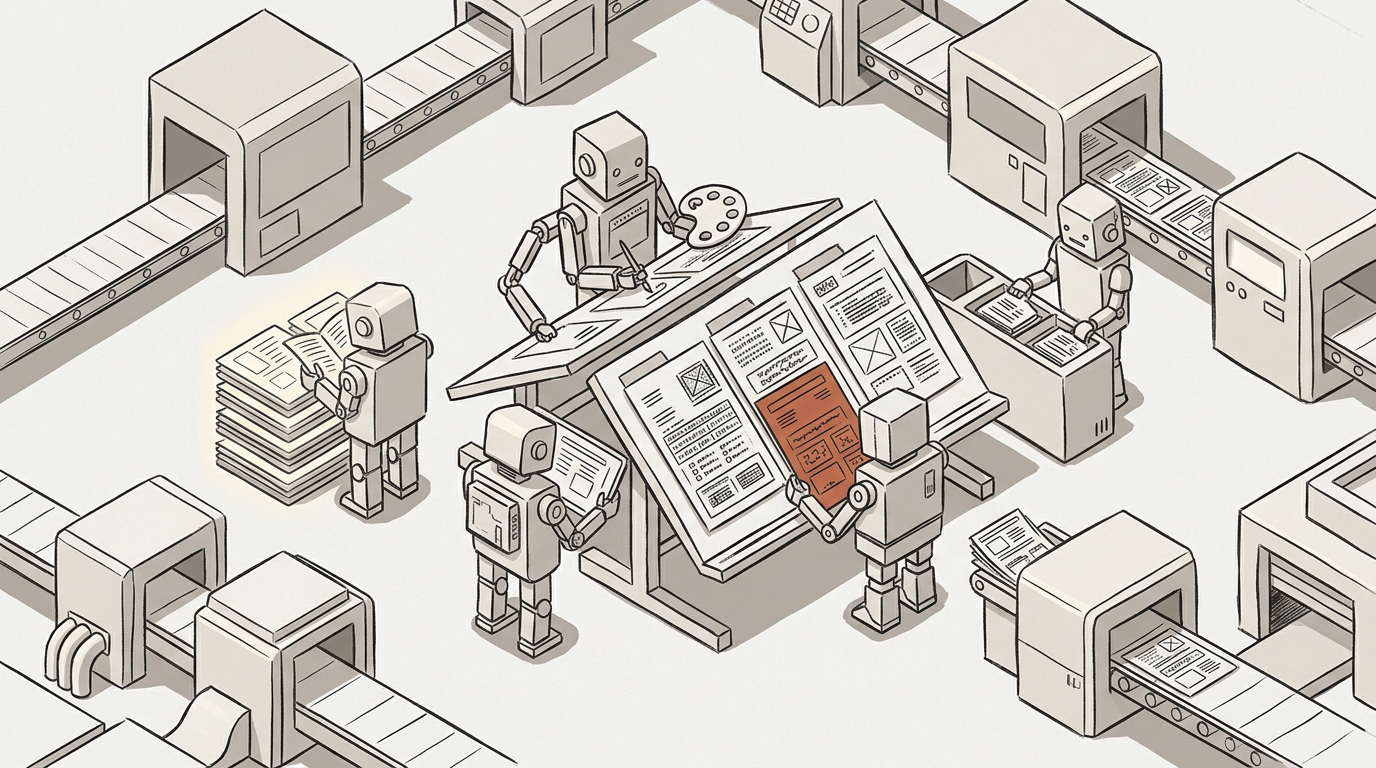
It drafts the output
The letter, the submission, the summary — from your own template, with the specifics filled in rather than left as placeholders someone completes later.
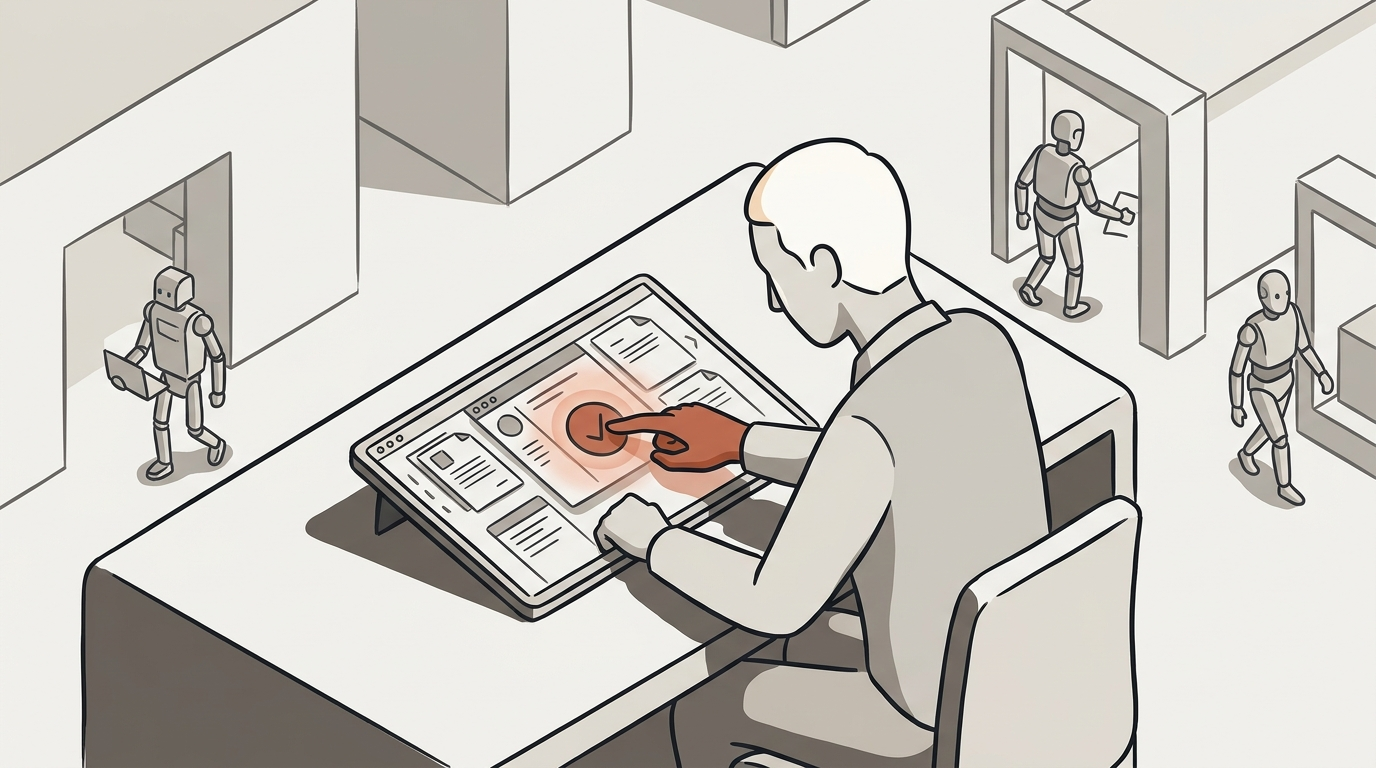
A person approves
It lands in the account manager’s inbox for a one-click approval before anything leaves. The checkpoint is where you put it, not where we decided.
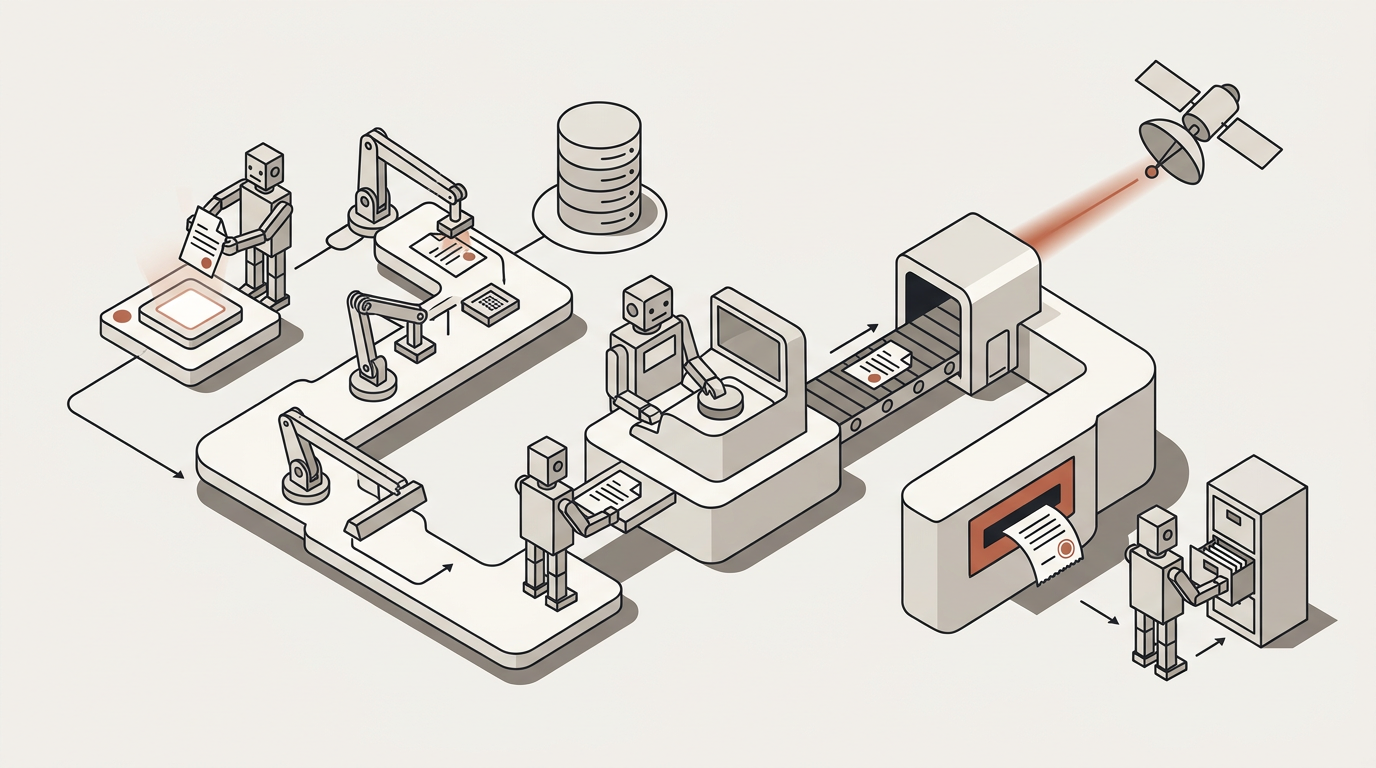
It completes, and proves it
The submission page is photographed as evidence. A send that may or may not have gone is held rather than repeated, and the run keeps a step-by-step trace.
What it draws on
The parts of the platform this uses
The workflow builder
Schedules and event triggers, loops with multi-step bodies, and the review step — plus the protections that make a batch safe to leave alone.
Read moreTools
The browser that signs in where nothing else can, document generation, and the sends — each one logged.
Read moreIntegrations
The systems you already run, connected with credentials you authorise and can withdraw.
Read moreWhat to watch
What a firm measures once this is running
No customer has run this yet, so there is nothing of ours to quote. These are the numbers worth having.
Runs completed without a human touch
The share that finished on their own. It is the honest measure of whether the procedure was really automatable.
Time from trigger to completion
Including the wait on a person, because that wait is usually most of it and is the part worth designing around.
Exceptions per hundred runs
What needed a person and why. A rising number is information rather than a failure — it tells you where the procedure is ambiguous.
Deadlines met
Renewals or filings completed before the date. The one your clients notice, and the one you were doing this for.
Questions
What people ask before leaving it running
Bring the procedure that eats the most hours
Especially if it lives behind a login. That is the one worth seeing on a demo.