Chatbot vs AI agent: the difference between answering and doing the work
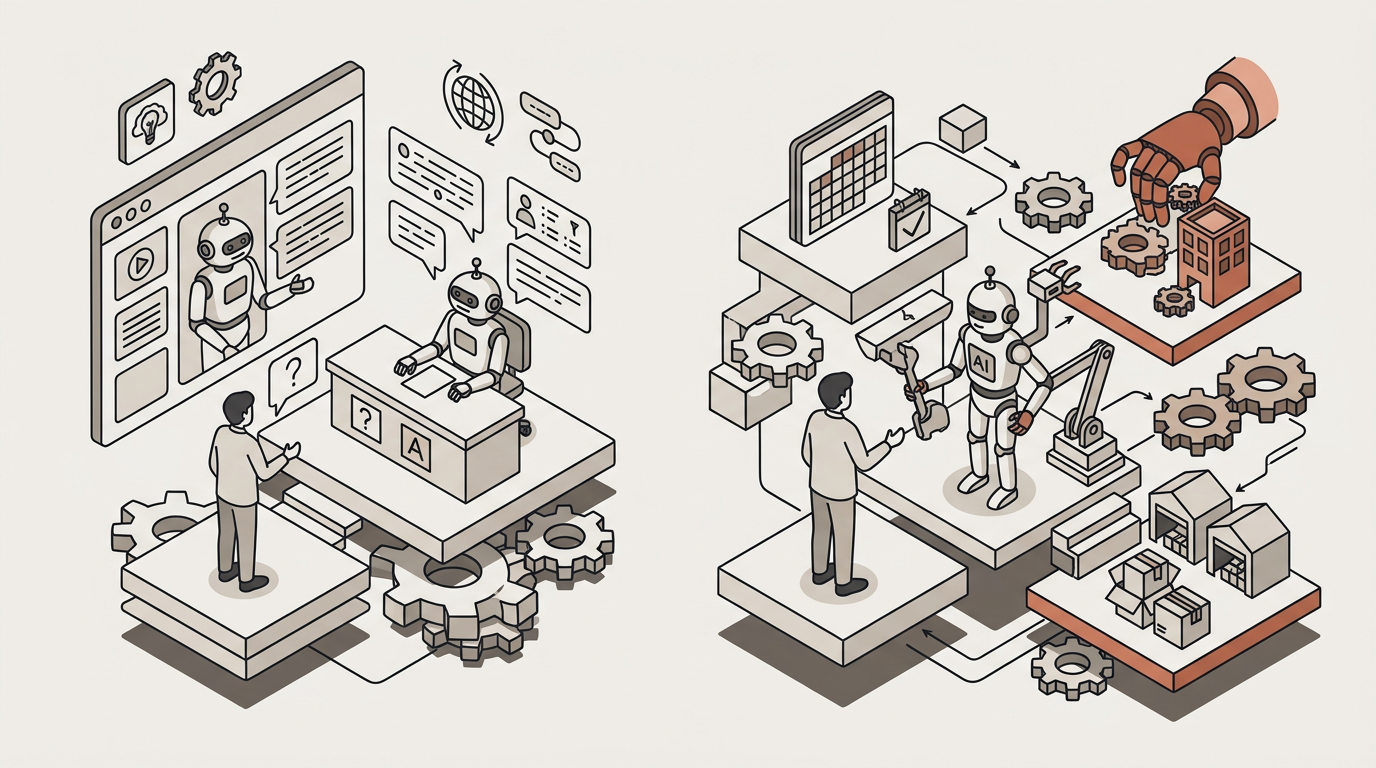
A chatbot answers questions. An AI agent answers from your own documents, cites the source, and then does the work that follows the answer: books the meeting, asks for the missing document, updates the client record or drafts the letter from your template, with a person approving where it matters. In an accounting firm, the difference is whether "did you get my invoices?" ends in a reply or in the work being done.
What is a chatbot?
A chatbot is a program that holds a conversation. Older ones followed a decision tree; newer ones use a language model and write fluently. Either way, the output is the same: text. If the conversation needs to end in something concrete, such as an appointment, a document or an updated record, a person does that afterwards.
That isn't a flaw. For plenty of questions, well-written text is exactly what's needed.
What is an AI agent?
An AI agent is a language model with three more things. Instructions: how your firm works and what it must never do. Knowledge: your documents, which it cites. And tools, which are what let it act: checking a calendar and booking, creating a contact in the CRM, generating a document from your template, sending an email or signing in to a portal that uses a username and password.
With those, the agent decides which step comes next, carries it out and records it. When the action matters, it asks first ("shall I book Thursday at ten?") or leaves the result in an inbox for a person to approve. And when it doesn't know, it says so and hands the conversation to someone on the team.
AI agent vs chatbot: the differences in one table
| Typical chatbot | AI agent | |
|---|---|---|
| What it does | Answers | Answers and acts |
| Where the answer comes from | A script or general knowledge | Your documents, with the source cited |
| Tools | None, or a link to a form | Calendar, CRM, documents, email, username-and-password portals |
| What it knows about the client | Starts from scratch every conversation | The client record: their documents, conversations and meetings |
| Control | Depends on the product; often just the conversation history | Review steps, a record of every action, permissions by role |
| When it doesn't know | Depends on configuration: points to a form or improvises | Says so and hands the conversation to a person, with the full history |
When is a chatbot enough?
More often than anyone selling agents will tell you. A chatbot that answers from your FAQs is enough when:
- The questions are public and stable. Opening hours, address, which documents you need for a tax return, how long onboarding takes. The answer is the same for everyone and the next step is always "email us" or "call us".
- The volume is low. If you get a handful of enquiries a week, building actions isn't worth it.
- You don't have the rules yet. If you can't write down what should happen after the answer, there is nothing for an agent to carry out. Procedure first.
What a chatbot won't do is look at a specific client's data or do the work. As soon as the question is "what's happening with mine?", the task lands back on your desk.
Three examples in an accounting firm: before and after
1. The status question
A client writes on the 3rd: "Did you get my September invoices?"
With a chatbot: "To check the status of your documents, please contact your accountant." The email still lands in the accountant's inbox.
With an agent: on the client portal, the agent checks what is in that client's private folder and replies with what has arrived this month, citing where it found it. If the client asks something that isn't on record, such as "so what will my VAT bill be this quarter?", it doesn't make it up: it says so and hands the conversation to a person.
2. The document request
It's the 5th and twelve clients still haven't sent their bank statements.
With a chatbot: it can explain which documents are needed, if a client asks. The chasing is still your team's job, one client at a time.
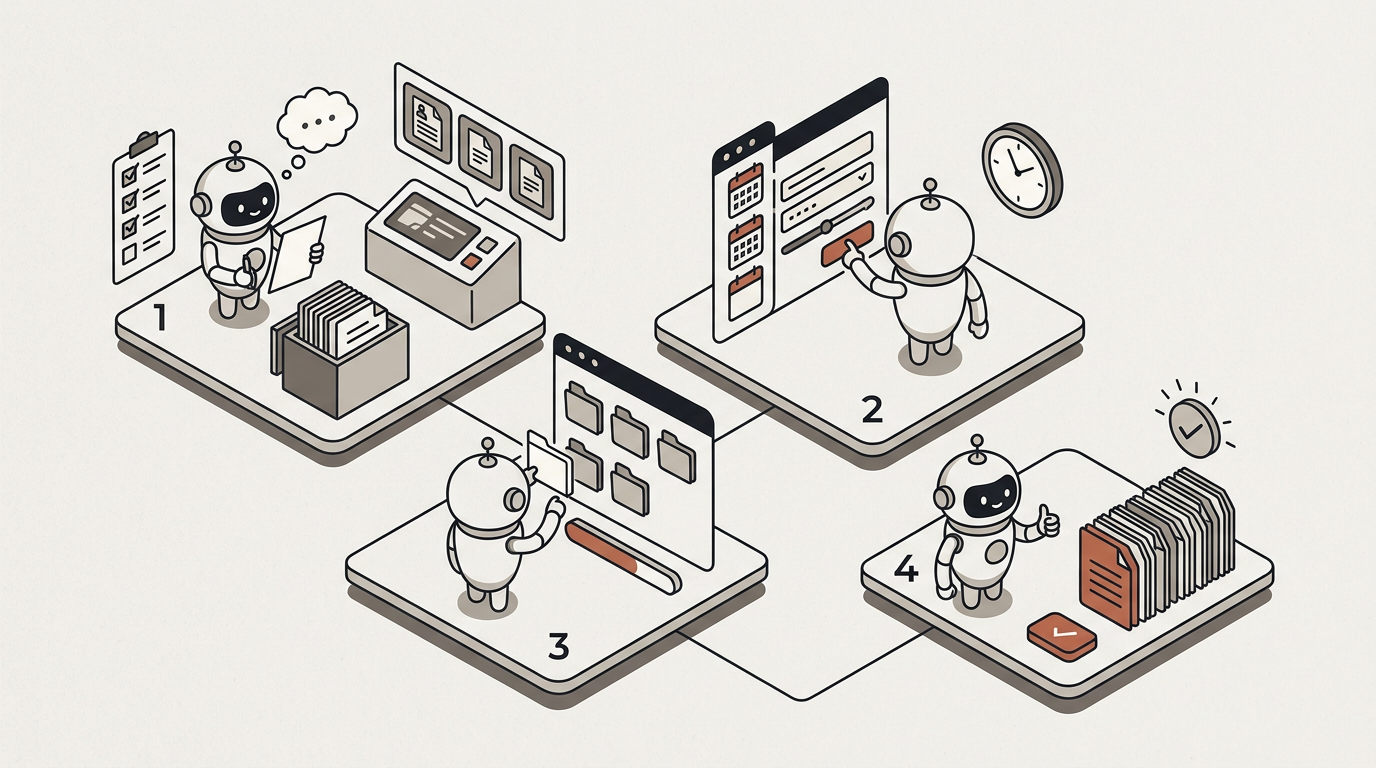
With an agent: a scheduled automation sends each client a reminder listing what is missing. Whatever the client sends to their own email address is captured and filed in their folder, and anything uncertain goes to a reviewer with the document beside it. Your team only sees the exceptions. We walk through it in how to stop chasing client documents.
3. The meeting and the CRM
At 21:30 on a Friday, someone who has just set up a limited company writes in your website widget: do you do bookkeeping for companies, and when could they talk to someone?
With a chatbot: it repeats what the website says and offers a form. On Monday someone reads it, calls back, and the back-and-forth over times begins.
With an agent: it answers from your service pages, citing them; asks two or three questions to understand the case; offers slots from the right adviser's calendar and, once the person confirms, books one; creates the contact in your CRM (HubSpot or Pipedrive) with the conversation attached and notifies the team. If they ask for a price you haven't written down, it says so instead of guessing.
The same outside accounting
A law firm. Someone asks on the website whether the firm handles unfair dismissal and what a first consultation costs. The agent answers from the firm's own pages, collects the basic details, books the consultation with the right lawyer and creates the contact. If they ask "can they dismiss me for this?", it doesn't give an opinion: it explains that a lawyer needs to assess that and offers the consultation.
A clinic's front desk. At 21:00, a patient wants to move Thursday's appointment. The agent checks the diary, offers two slots, books the one chosen and sends the confirmation. If they describe a symptom, it gives no advice: it says so and hands the conversation to the team, who pick it up in the morning with the full history. It's the same pattern as in customer support: answer what is written down, do what is permitted, and hand the rest to a person.
What to ask any vendor
- Does it cite its sources? Ask it to answer a question from one of your documents and show you where each statement comes from.
- What can it do without asking? Ask for the list of actions it takes on its own and the ones it confirms first. Booking, sending, posting to a ledger or writing to a portal should each have a concrete answer.
- Where does a person approve? Can you put a review on whichever step you choose? What does the reviewer see when it arrives?
- Where is the data stored? In the EU? Is that a promise in a policy or something enforced in the infrastructure? Is your data used to train models?
- What is logged? Every answer and every action, with when and on whose behalf? Can you export it?
- How does your client know they're talking to an AI? Article 50 of the AI Act (opens in new tab), applicable from 2 August 2026, requires that people are informed they are interacting with an AI system, unless that is obvious. There are example scripts in AI Act Article 50: disclosure scripts.
In case you're wondering, here are our answers. MosenAI cites the source of every answer. In a conversation, it asks for confirmation before any action with side effects, such as sending an email or booking a slot; in automations, the review goes wherever you put it. Data is stored and hosted in the EU, enforced in our infrastructure code: a non-EU region fails the build. Your data trains no one's model. And everything an agent did is on the record and exportable. You write the AI disclosure into the welcome message and your firm's standing instructions, and every hand-off to a person is explicit.
Frequently asked questions
Can an AI agent make mistakes?
Yes. That's why it cites its sources, so they can be checked; why consequential actions go through a review; and why, when it doesn't know, it hands the conversation to a person. If an action may or may not have happened, it is held for someone to check rather than repeated.
Isn't ChatGPT enough?
For drafting, often yes. But a general-purpose assistant doesn't know your documents unless you paste them in, can't act in your calendar or CRM, and keeps no record of what was said to a client on the firm's behalf.
Will an agent replace my team?
That isn't the idea. It takes the repetitive last mile (the reminder, the booking, the draft) and leaves judgment, signatures and the client relationship to people. A case going to a person is not a failure: it is part of the design.
If you're deciding where to start, there's a table for scoring your firm's tasks in AI for accounting firms: what to automate first.