AI for accounting firms: what to automate first (and what to keep human)
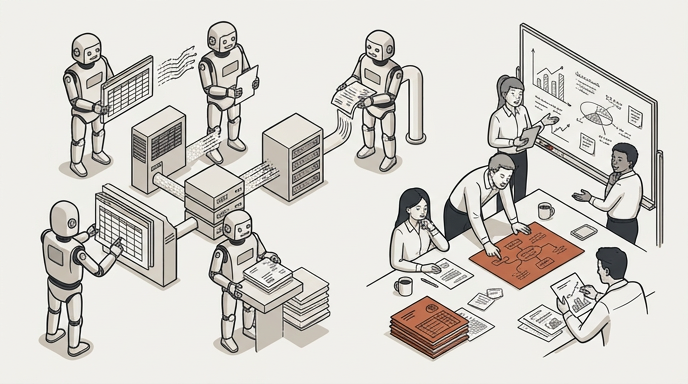
The first thing an accounting firm should automate with AI is not the most impressive task but the one that repeats most and needs the least judgement: for most firms, chasing clients for their documents. Status questions, reports drafted from your own templates and supplier-invoice intake with a reviewer come next. Advice, anything that carries a professional's signature, and portals that demand a digital certificate or a second factor stay with a person.
The question isn't whether to use AI, but which hour goes first
Using AI is no longer unusual. According to Eurostat (opens in new tab), 20.0% of EU enterprises with ten or more employees used at least one AI technology in 2025, up from 13.5% in 2024. In professional, scientific and technical activities, the statistical group that includes accounting and legal firms, the figure was 40.4%, second only to information and communication (Eurostat, Use of artificial intelligence in enterprises (opens in new tab)).
So plenty of firms already use AI in some form, even if it is a general-purpose assistant open in a browser tab to tidy up an email. The question still open is a practical one: of all the hours your team spends each week on work that isn't advice, which one do you stop doing by hand first?
Choosing badly is expensive in a way that is hard to see. Start with something that happens three times a year and you will never know whether it worked. Start with something where a mistake reaches the client unnoticed and the first failure will end the experiment. Start with something that depends on a partner's judgement and you will end up reviewing everything without getting a single hour back.
How do you decide what to automate? A scoring table
List the tasks that repeat in your firm and score each one from 1 to 5 on the first four criteria. The fifth doesn't score: it decides where the review goes.
| Criterion | The question | 1 point | 5 points |
|---|---|---|---|
| Volume | How often does it happen each month, across all clients? | A handful of times | Hundreds |
| Repetition | Is it done the same way every time? | Every case differs | Always the same steps |
| Clear rules | Could you write the rules on one page for a new starter? | Depends who does it | Fits on a checklist |
| Cheap error | If it goes wrong, is it caught and fixed before it matters? | It reaches the client or the tax authority | Spotted and fixed in minutes |
| Signature | Must a professional decide or sign? | Yes or no: not scored | — |
Add up the first four (4 to 20):
- 16 to 20: a candidate for your first workflow.
- 11 to 15: a second wave, or with review at every step.
- 10 or under: leave it alone for now.
If a professional must sign, the task can still be a candidate: the agent prepares, the person signs, and the review sits just before anything leaves the firm. If what needs signing is the judgement itself, a piece of advice or a decision, it is not.
An example, purely to illustrate the method (your scores will differ):
| Task | Volume | Repetition | Rules | Cheap error | Total | Signature? |
|---|---|---|---|---|---|---|
| Reminding each client of the month's documents | 5 | 5 | 4 | 5 | 19 | No |
| Quarterly report for each client from your template | 4 | 5 | 4 | 3 | 16 | Reviewed by the adviser |
| Advising whether a client should change VAT scheme | 2 | 1 | 1 | 1 | 5 | Yes |
Fill it in with your team, not just the partners. The person who does the task knows how often it really happens and where it goes wrong.
What can an accounting firm automate? Seven candidates, in order
This is the order in which we would start in a typical accounting or advisory firm. It isn't the only possible order: it's what comes out of applying the table above to the tasks that repeat most in the sector. For each candidate: what the agent does, where a person comes in, and what to measure.
1. Collecting documents and chasing what's missing
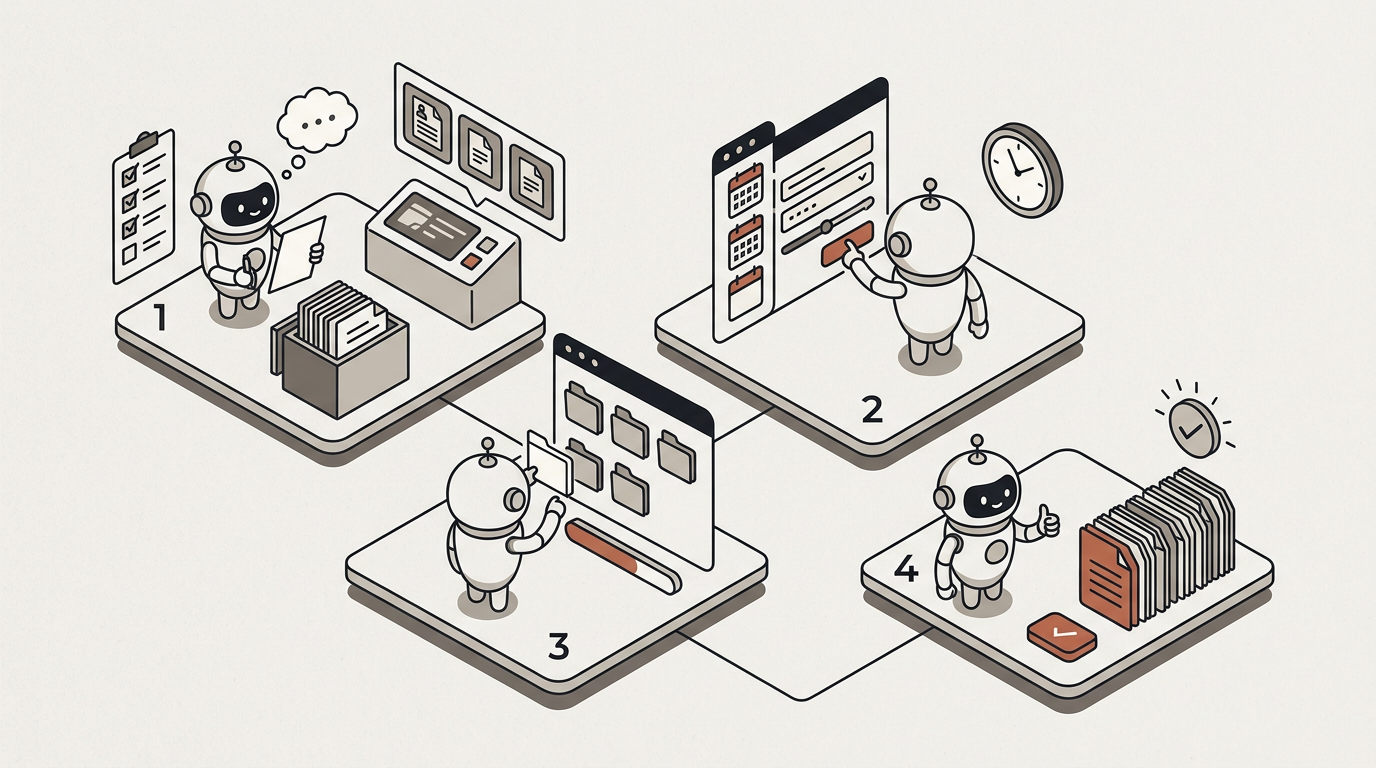
What the agent does. Each client gets their own automation email address. Whatever they send there is captured, archives included (they are expanded), and filed in that client's private folder. A scheduled automation reminds them by email of what is still missing, and can also send the reminder by WhatsApp or SMS (as a notification only: documents still come in by email).
Where a person comes in. You don't need to review each reminder, but you do review the wording before switching it on. Unattended sends have a ceiling: reach it and the automation stops and waits for someone to decide.
What to measure. Days from month end to a complete set of documents, and reminders your team sends by hand each week.
We walk through it step by step, with a kit of messages, in how to stop chasing client documents.
2. Answering client status questions
"Did you get my invoices?", "What do you need from me now?", "When are we meeting?". Reasonable questions, and they cut into billable work several times a day.
What the agent does. On your clients' portal, under your brand, it answers from your own documents and from what the firm holds on that client, and cites the source. It only sees what you share with that client's account: one client's files never surface in another client's portal. And it replies in your client's language.
Where a person comes in. What isn't in its sources, it doesn't invent: it says so and hands the conversation to a person, who picks it up with the whole history in front of them. For the first few weeks, read the conversations; everything is on the record.
What to measure. Status questions per client per month, time to first response, and the share that ends with a person.
For firms advising clients in Spain, many of this autumn's questions will be about Verifactu (opens in new tab) and e-invoicing. Write one clear note for clients and the agent answers from it, citing it. What to tell them, and when, is in e-invoicing deadlines: what accounting firms should tell clients.
3. Drafting monthly and quarterly reports from your templates
What the agent does. It generates each client's report from your own template, as PDF, Word or Excel, with the figures filled in, and files it in the client's folder and on their portal. The figures come from your ledger (Holded today) or from the spreadsheet you already prepare. Of everything MosenAI does, this is what we have tested most against accounting cases, in our own testing.
Where a person comes in. The adviser reviews the draft in the review inbox, edits or approves it, and only then does it go out.
What to measure. Reports delivered on time, minutes per report before and after, and how many changes the adviser makes per draft.
4. Supplier invoices: from inbox to ledger
What the agent does. Invoices arrive by email at the client's address. The automation extracts the supplier, date, amount and VAT from each one, reshapes them into your ledger's format and posts the entries to your ledger (Holded today) under your own API key. A retry never posts twice: it returns the original outcome. If you use different accounting software, the output can be a spreadsheet you import. We walk through it in document and data processing.
Where a person comes in. Anything the extraction is unsure about goes to a reviewer, with the source page beside the proposed values. They approve or correct; the rest doesn't wait for them. At the start, review everything.
What to measure. Documents processed per month, minutes per document before and after, and corrections per hundred documents.
5. Onboarding a new client
What the agent does. The client fills in a form on your portal. The automation creates the contact, drafts the engagement letter from your template and, once it is approved, sends the welcome email with the list of documents you need.
Where a person comes in. A person reviews and signs the engagement letter. It's the clearest case of the fifth criterion: the agent prepares, the person signs.
What to measure. Days from first contact to a client you can start work for, and onboarding documents still outstanding after two weeks.
6. Booking meetings
What the agent does. On your website widget or the client portal, it checks the adviser's real calendar (Google Calendar), offers slots, books the one chosen and sends the confirmation. If the person writing is a prospect, it creates the contact in your CRM (HubSpot or Pipedrive) and notifies the team. If you want, the same agent answers the firm's phone and hands the call to a person when it should.
Where a person comes in. Before booking, the agent asks the person it is talking to to confirm. Anything off the expected path goes to the team.
What to measure. Time to first response, meetings booked without anyone stepping in, and no-shows.
7. Work in portals that sign in with a username and password
What the agent does. Some portals have a login and no API: a supplier's invoice portal, a client's own platform, a registry that only answers a search form. A browser session signs in with your credentials, encrypted under your own key, and does the work. The login is never photographed; every write is, as evidence. More in back-office automation.
Where a person comes in. A recipe that writes to a portal can't be published without a test run. If a session wrote something and didn't finish, it is held for a person to review: it is never re-run blindly.
What to measure. Runs completed without a human touch, exceptions per hundred runs, and deadlines met.
It comes last not because it is worth less, but because it needs the most care to set up and has the clearest limit. Which is next.
What should an accounting firm keep human?
- Advice and judgement. Whether a client should change VAT scheme, how to answer a tax authority's enquiry, what to do about an inspection. An agent can gather the documents and leave you a draft; the decision and the accountability are yours.
- Anything that carries your signature. Filing a return, approving a set of accounts, signing an engagement letter. The agent prepares; the person signs.
- Portals that sign in with a digital certificate, a national eID or a second factor. In Spain, for example, the AEAT's e-office (opens in new tab), the Social Security's RED system (opens in new tab) and SILTRA, or the DEHú (opens in new tab) notifications inbox, and the same applies to any portal elsewhere that signs in that way. A MosenAI agent cannot sign in to them: our browser signs in with a username and password, does not use certificates and stops at any extra verification step. We say so plainly because, for many firms, that is where a lot of the work lives. There, the agent can prepare the data and remind you of deadlines; a person does the filing.
- The client relationship. The difficult conversation, the bad news, the fee discussion. And any conversation in which the client asks for a person: that hand-off is not a failure of automation, it is part of the service.
- Anything you can't explain yet. If you can't write the rules down for a new starter, you can't give them to an agent. Sort the procedure out first; automate it second.
Chatbot or AI agent? Why the difference matters
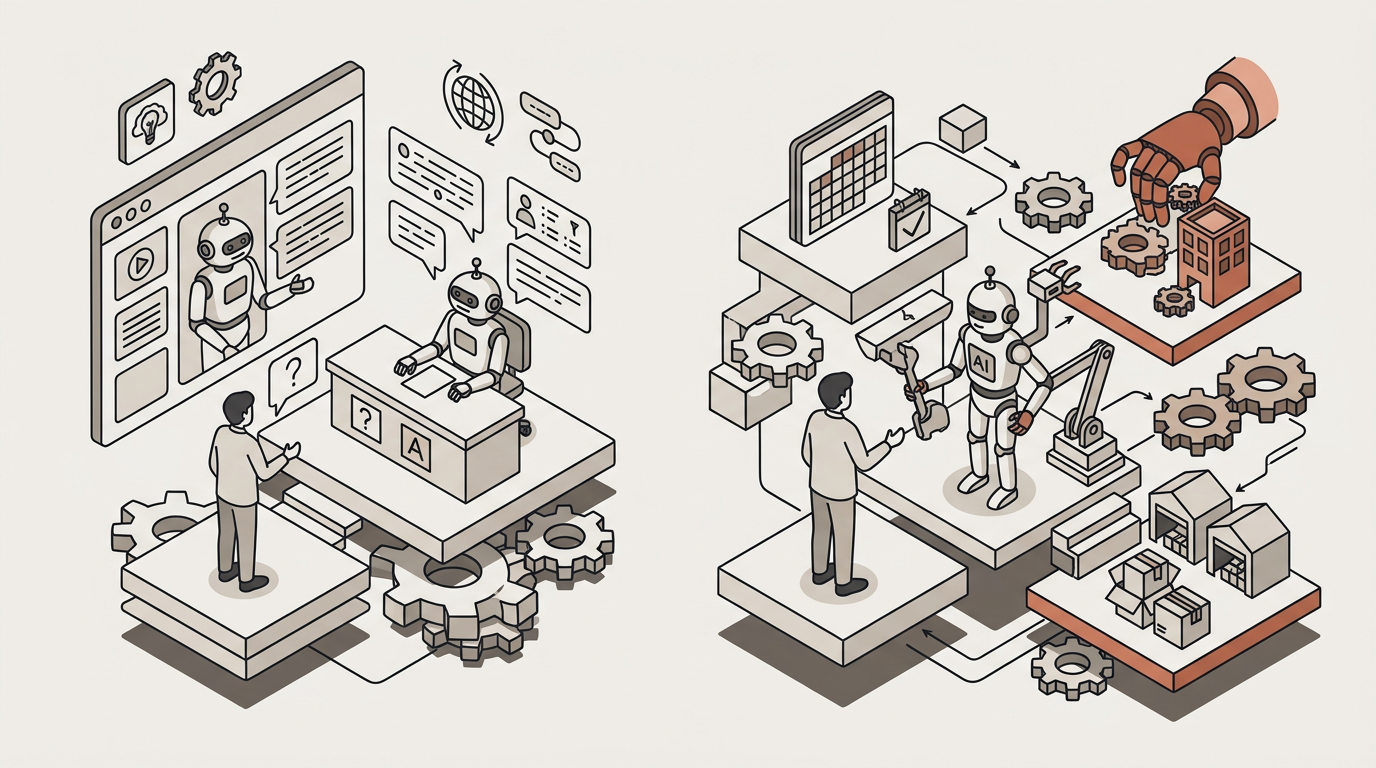
A chatbot answers. An AI agent answers from your documents, cites where the answer came from, and then does the work: books the meeting, files the invoice, drafts the report and records what it did, stopping wherever you have put a review. If all you want is to answer the usual questions with less effort, a chatbot may be enough. If you want the document chase to stop, you need something that acts. We go through examples in chatbot vs AI agent.
Governance basics before an agent starts work
- Review where you decide. Any step in an automation can carry a human review: the reviewer sees what the agent proposes, with its sources, and approves, edits or rejects it.
- Everything on the record. Every answer and every action an agent takes is logged and exportable.
- Where the data lives. With MosenAI, data is stored and hosted in the EU, enforced in our infrastructure code: a non-EU region fails the build. Each customer has its own encryption key, its data is separated from every other customer's, and it trains no one's model. The detail is on our Trust page.
- Your rules in every answer. Your firm's standing instructions (tone, disclaimers, what never to promise) apply to every answer from every agent.
- Permissions by role. Who can change an agent, who can publish it and who can only look.
- Saying it's an AI. Article 50 of the AI Act (opens in new tab), applicable from 2 August 2026, requires that people are informed they are interacting with an AI system, unless that is obvious. In practice: say it in the agent's welcome message and in your standing instructions, and make every hand-off to a person explicit. There are example scripts in AI Act Article 50: disclosure scripts.
And GDPR (opens in new tab) applies as it always has: the firm remains responsible for its clients' data, including when a tool processes it.
What this section says about regulation is for information and is not legal or tax advice.
How to start: 90 days, one workflow, one metric
| Days | What you do | What you have at the end |
|---|---|---|
| 1–15 | Fill in the table with your team, pick one workflow and measure the "before" for two weeks. Write the rules on one page. | One workflow, one metric and its starting value |
| 16–45 | Build the workflow with review on everything and try it with a few trusted clients. | The first real runs and a list of what goes wrong |
| 46–75 | Keep review only for uncertain cases and extend to more clients. | The workflow running at normal volume |
| 76–90 | Compare with the "before". Decide whether to extend, adjust or stop, and pick the second workflow. | A decision made with your own numbers |
Three rules that make it work:
- One metric. For example, days until the documents are complete. Measure ten things and you won't know which one moved.
- One owner. Usually whoever runs operations in the firm, not a partner. With the workflow builder they can change it without an engineer, and roll it back if something goes wrong.
- Measure the "before" first. It's the step firms usually skip, and without that number there is no honest way to tell whether it worked.
Automations that run on their own (from an email, a form or a schedule) are on the plan that includes automations; the details are on our pricing page.
Frequently asked questions
What should an accounting firm automate first?
Usually document collection and reminders: high volume, identical steps, clear rules and errors that are caught early. But do your own table: if something else repeats most in your firm, start there.
Can an AI agent file returns on a tax authority's portal?
Not where the portal signs in with a digital certificate, a national eID or a second factor, as Spain's AEAT e-office, RED system and DEHú do. A MosenAI agent only signs in with a username and password. It can prepare the data and remind you of deadlines; a person does the filing.
Where does our clients' data live?
In the EU, enforced in our infrastructure code. Each customer has its own encryption key, its data is separated from every other customer's and is not used to train any model. Everything an agent does is on the record.
Do we need someone technical in the firm?
You don't need an engineer, but you do need one person who owns the workflow: who writes the rules, reviews uncertain cases in the first weeks and watches the metric.
Do we have to change our accounting software?
No. An agent works around what you already use: email, documents, the client portal, the calendar. It connects directly to Holded today; with other software, it can hand you the data in a spreadsheet to import.